







Most people do not think about their mouse until their body starts complaining. A stiff shoulder.
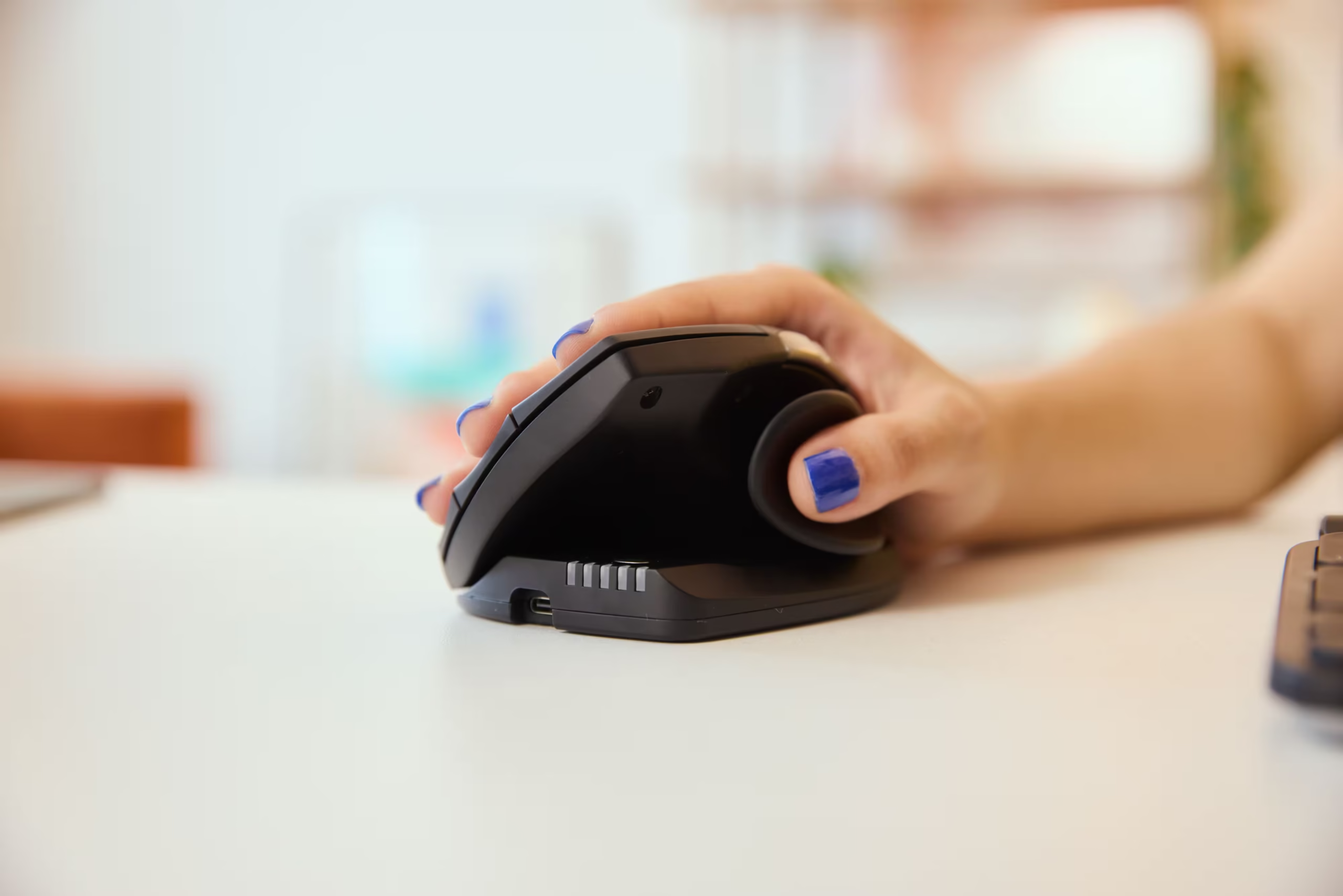
A tight forearm. That familiar ache in the wrist after a long week of emails, spreadsheets, editing, admin, design work, or whatever else keeps you locked to your desk.
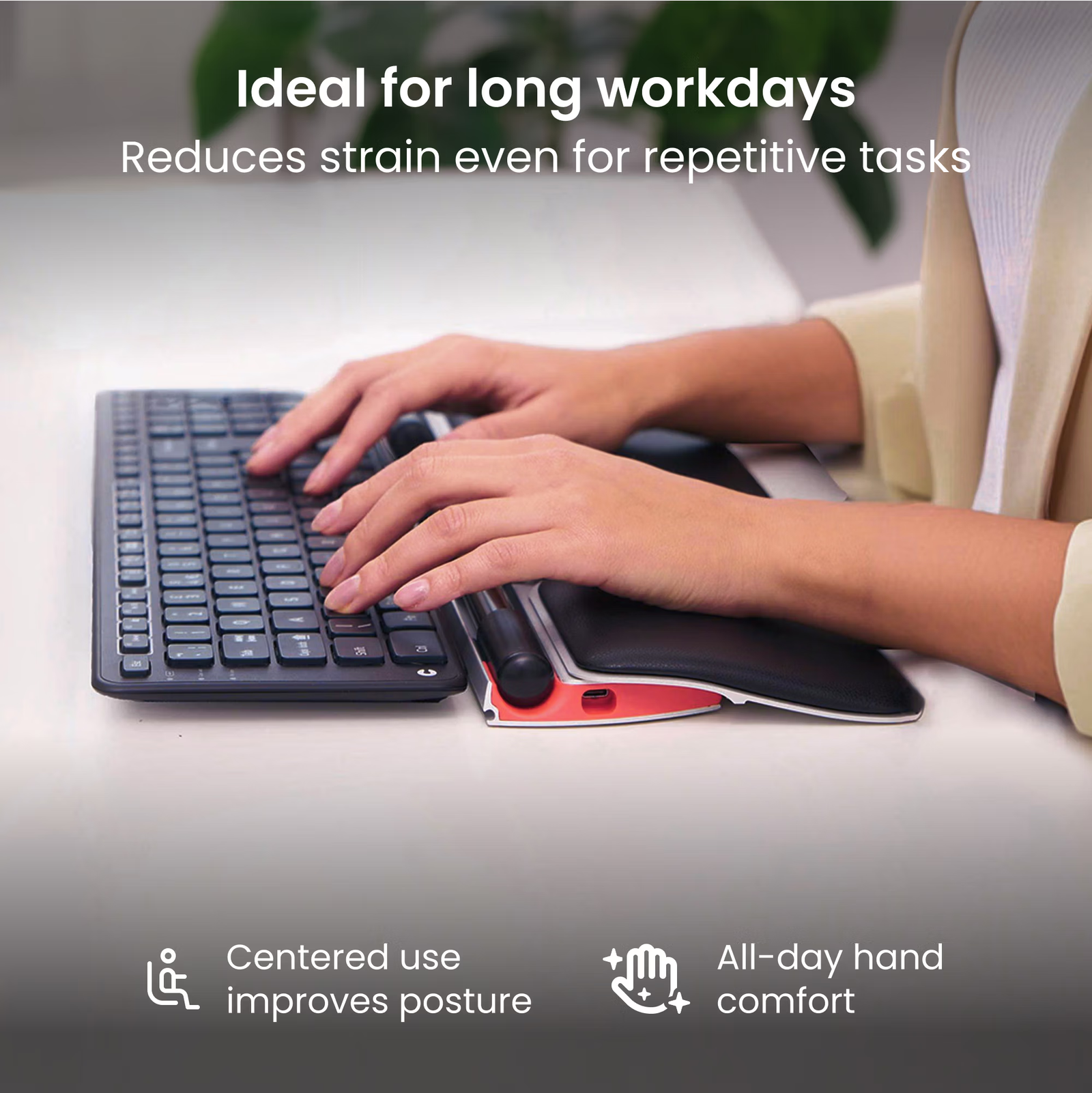
That is where Contour Design’s RollerMouse Red becomes interesting. It is not just another “ergonomic” mouse shaped slightly differently from the one you already use. It changes the position of the mouse completely. Instead of placing your hand off to the side, RollerMouse Red sits directly in front of your keyboard, where your hands already are.
For 2026, when more people are working long hours across laptops, hybrid setups, home offices, and compact desks, that matters. Comfort is no longer a bonus. It is part of being able to do good work without ending the day feeling like your body paid the price.
Who Is Contour Design?
Contour Design is a company focused on ergonomic computer hardware, with more than 25 years of experience in designing tools that support healthier desk work. Its product range includes RollerMouse, Unimouse, SliderMouse, Balance Keyboard, touch products, multimedia controllers, and workstation accessories. The brand describes itself as a specialist in research, development, and design for ergonomic computer hardware.
In simple terms, Contour Design makes desk tools for people who spend serious time at a computer. Not “I check my emails twice a day” people. More like office workers, creatives, editors, coders, finance teams, administrators, writers, and anyone whose hands are on a keyboard for hours.
The RollerMouse range is one of the brand’s best-known ideas. Instead of trying to improve the traditional side mouse, Contour Design moved the pointing device to the centre of the desk. That shift is the whole story.
What Does RollerMouse Red Do?
RollerMouse Red replaces the side mouse with a central rollerbar placed below your keyboard. You move the cursor by sliding the bar sideways and rolling it forward or backward. You can also click through the bar itself, while buttons below handle common mouse functions.
The official product page describes RollerMouse Red as having a centred design, a patented rollerbar, a recycled aluminium build, and a memory foam wrist rest. It is designed to keep your hands in a more relaxed position while giving you control over the cursor.
That might sound strange at first. And honestly, it is strange at first. If you have spent years reaching to the right for a mouse, your brain expects that movement. RollerMouse Red asks you to relearn a small habit.
But once the motion clicks, the point becomes clear: your hands stay closer to the keyboard. Your arms do less travelling. Your shoulders stay more balanced. And because the device can be used with either hand, or both, it gives you more flexibility than a standard mouse.
Why It Matters To The Reader
The biggest reason RollerMouse Red matters is not because it looks clever. It matters because modern desk work is repetitive.
You might not notice the first hour. You might not even notice on Monday. But after a full week of clicking, dragging, selecting, scrolling, copying, pasting, resizing windows, editing cells, and moving between tabs, small movements become a big deal.
A traditional mouse usually sits to one side. That means one arm does most of the reaching and steering. Over time, that can feed into neck, shoulder, wrist, and forearm discomfort. RollerMouse Red solves the problem differently by putting the cursor control in the middle of your workspace.
This is especially useful if your job involves switching constantly between typing and mouse work. Think of Excel-heavy tasks, long reports, image editing, basic design work, coding, inbox management, customer records, school admin, financial documents, or content production. You are not stopping your workflow to reach for the mouse. The control is already where your hands are.
It is a small change with a very practical effect.
What Services And Products Does Contour Design Offer?
Contour Design is not a service company in the traditional sense. It mainly offers ergonomic hardware and product support.
Its product range includes centred mice like RollerMouse, alternative ergonomic mice such as Unimouse and SliderMouse, keyboards, touch devices, multimedia controllers, accessories, and product combinations for more complete desk setups. The brand also provides setup guides, driver downloads, support resources, and help centre content for customising and troubleshooting its products.
That support side is important because products like RollerMouse Red are not basic plug-and-forget accessories for everyone. Some users will want to adjust cursor speed, change button functions, clean the wrist rest properly, or set it up for Mac or Windows. Contour’s help centre includes guidance for RollerMouse Red setup, cleaning, drivers, customisation, and troubleshooting.
So, while the main offer is hardware, the brand also gives users the resources to adapt the product to their own workflow.
The RollerMouse Red Experience
The first thing you notice is that RollerMouse Red feels substantial. This is not a light plastic gadget that slides around the desk. The aluminium base gives it a planted, premium feel, which is useful because you are interacting with it constantly. A pointing device should not wobble every time you click.
The rollerbar is the part that makes or breaks the experience. It has a textured surface, which helps your fingers find grip without having to tense up. You can guide the cursor with very small movements, and the adjustable DPI makes it easier to match the speed to your work style. According to product information from Contour and retailers, RollerMouse Red offers adjustable cursor speed and programmable controls, with the rollerbar designed for precise cursor movement.
For everyday productivity, it makes sense. Moving through spreadsheets, writing documents, browsing tabs, managing emails, and doing general admin all feel like the right use case. It is less about dramatic speed and more about reduced strain.
For highly detailed design tasks, some users may still prefer a traditional mouse, trackpad, or specialist device, depending on their habits. A 2025 review from Tom’s Guide praised the comfort, customisation, and premium build, but noted that very fine precision work may not suit everyone and that the price is high compared with more basic ergonomic alternatives.
That feels fair. RollerMouse Red is not the cheapest way to make your desk more ergonomic. It is a more deliberate investment for people who spend enough time at a computer to justify changing the way they work.
Something Else Worth Mentioning
The learning curve deserves its own moment.
This is not a product you fully understand after ten minutes. You need a few days of normal work before your hands stop looking for the old mouse. The first day may feel slower. By the second or third day, the movement starts making more sense. After that, the benefit becomes less about novelty and more about rhythm.
Another point worth mentioning is desk setup. RollerMouse Red works best when your keyboard height and position are right. If your keyboard is too tall, too far away, or awkwardly angled, you may not get the full benefit. This is not a flaw exactly, but it does mean you should treat the product as part of a proper workstation, not just an accessory dropped onto any surface.
Pros And Cons
Pros
The centred design is genuinely useful.
This is the strongest reason to consider RollerMouse Red. Keeping the pointing device in front of the keyboard reduces the need to reach sideways again and again. For long workdays, that can make your desk feel calmer and more balanced.
It supports both-hand use.
You are not locked into one dominant hand. You can use the rollerbar with your left hand, right hand, or both. That is helpful when one side feels tired or when you want to spread the workload more evenly.
The build feels premium and stable.
The aluminium base gives the device weight and steadiness. It feels like office equipment built for daily use, not a novelty item.
The rollerbar gives good everyday control.
For emails, documents, spreadsheets, browsing, coding, and general desk tasks, the control feels precise enough once you adjust to it.
The customisation adds real value.
Adjustable cursor speed and programmable buttons help you tailor the device to how you actually work, instead of forcing one fixed setup on every user.
The wrist support is comfortable.
The memory foam wrist rest adds softness without feeling flimsy, which makes longer sessions easier on the hands and forearms.
Cons
It takes time to learn.
You should expect a short adjustment period. The movement is different, and your muscle memory will need time to catch up.
The price will not suit every budget.
RollerMouse Red is a premium ergonomic product. If you only use a computer casually, it may feel like more than you need.
It may be too specialised for some users.
People who rely on ultra-fine cursor movements for detailed creative work may want to test it first before replacing their current device completely.
Desk setup matters.
To get the best result, your keyboard and RollerMouse need to sit well together. A poor desk layout can reduce the comfort benefit.
Final Thought
Contour Design RollerMouse Red is not trying to be a slightly nicer version of the mouse you already own. It is trying to fix the bigger issue: the way a normal mouse pulls your hand, arm, and shoulder away from the centre of your work.
That makes it a smart choice for 2026, especially for people who spend most of their day typing, clicking, scrolling, and switching between tasks. It feels thoughtful, sturdy, and genuinely different. Not perfect. Not cheap. Not instantly natural. But useful in a way that becomes clearer the longer you use it.
The best way to describe it? RollerMouse Red is for people who want their desk to work with their body, not quietly wear it down by Friday afternoon.