



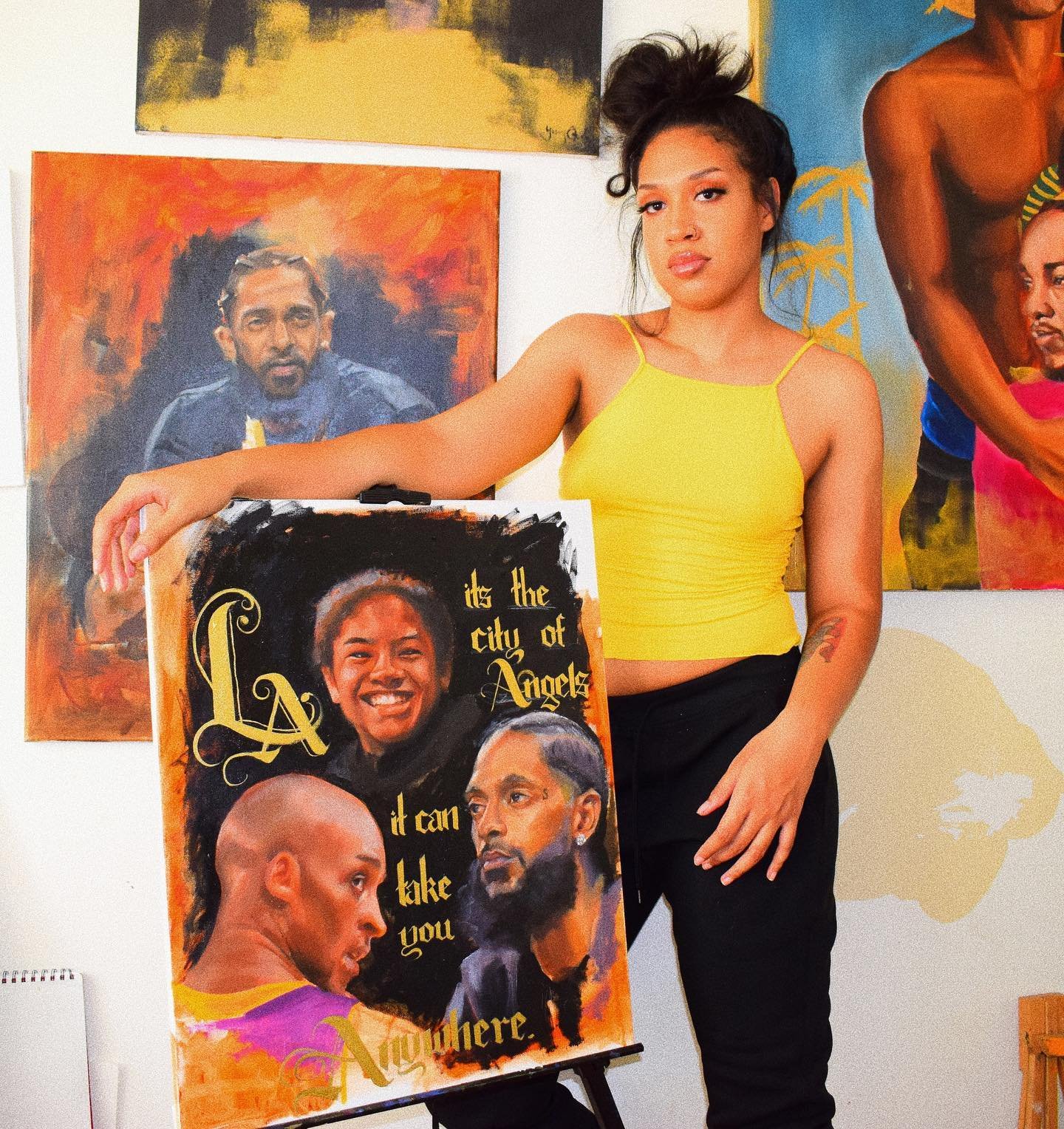

A promising design often begins as a rough sketch, a reference photograph, or a thought that is difficult to explain.
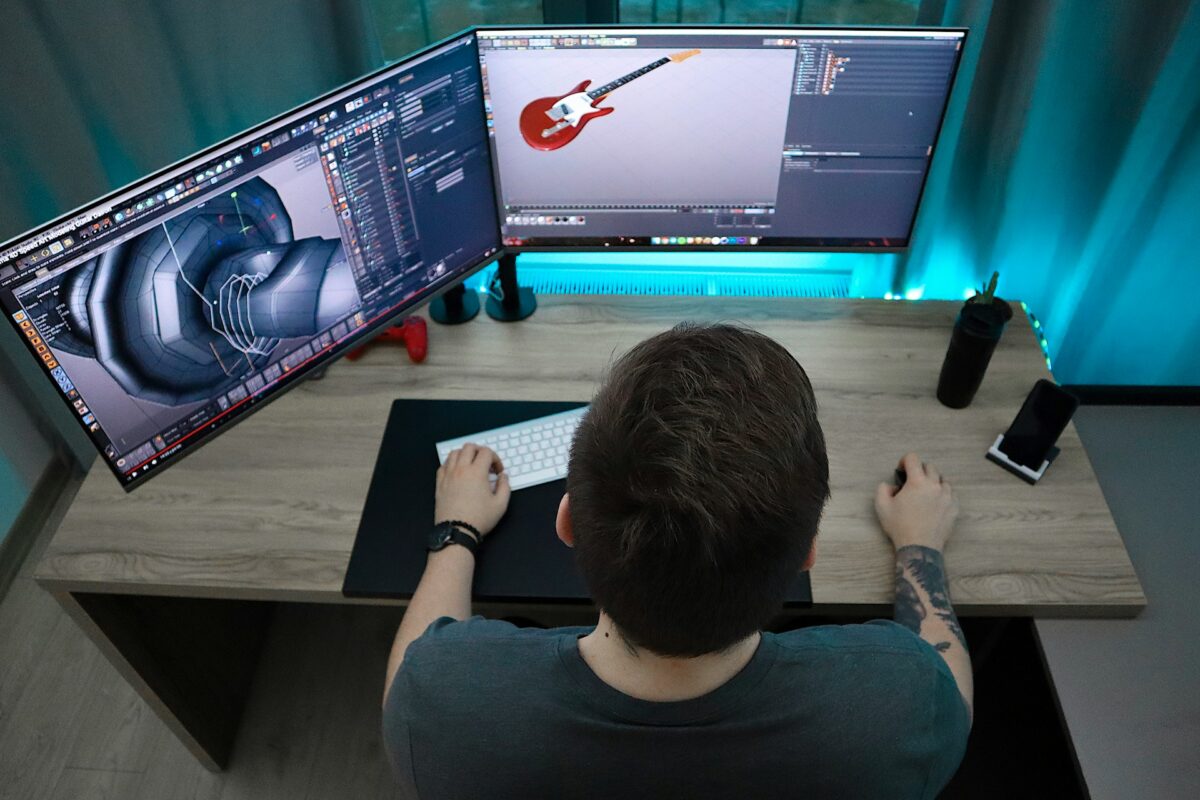
Turning that starting point into a usable three-dimensional asset has traditionally required several separate skills: visual planning, 3D modeling, material setup, and preparation for the intended destination.
For people without a modeling background, the learning curve can make experimentation feel slow. Even experienced creators may spend considerable time building early versions before they know whether an idea is worth developing.
Hi3D approaches this challenge through AI-assisted 3D creation. Rather than requiring every project to begin with a blank modeling workspace, the platform helps users turn visual references and written concepts into starting assets. Its tools are designed to support the early stages of creation and selected steps that follow, including appearance exploration, model preparation, and workflows connected with 3D printing.
AI generation should not be treated as a substitute for every form of 3D expertise. Instead, it can provide a practical first draft, leaving creators free to focus their time on evaluating the design, adjusting details, and deciding how the asset should be used.
A Different Way to Begin a Modeling Project
Conventional 3D workflows often start with technical decisions. Users may need to select primitives, establish proportions, build geometry, and organize the model before it resembles the object they have in mind. That process offers detailed control, but it can be demanding when the objective is simply to test an idea.
Hi3D provides a more visual entry point. Users can begin with an image or a description, depending on the creation task, and use AI to develop an initial concept. This is useful when a creator knows the overall appearance they want but does not yet know how to construct the geometry manually.
For instance, someone designing a tabletop fantasy creature might have a sketch that communicates its silhouette and personality. An image-based workflow can help turn that reference into a three-dimensional starting point. A product designer exploring a decorative lamp might first use written prompts to compare visual directions, then select a reference to develop further.
Generated assets can serve as rough drafts or references that users refine in other software. This allows them to explore shapes and concepts without mastering every modeling tool before starting a project.
Use Visual References to Communicate Shape
Images can convey details that are difficult to capture in a short written prompt. A reference may show the outline of an object, its decorative features, its color relationships, or the mood of a design. Hi3D’s image-to-3D workflow offers a convenient way to turn a 2d image to 3d model, using such visual material as the basis for generating a model.
This can be helpful when working from concept art, illustrations, product references, or other images that communicate a clear subject. Instead of reconstructing the object point by point, users can upload a suitable image and let the AI generate an initial three-dimensional interpretation.
The result depends on the quality and clarity of the source. A clean image with a recognizable subject generally gives the system more useful information than a crowded scene with overlapping objects. Multiple views can provide additional clues about shape and proportions when they are available and supported by the workflow. Even so, an image cannot always reveal hidden surfaces or exact dimensions, so the generated geometry should be treated as an interpretation rather than a guaranteed replica.
By making images a starting point, Hi3D helps bridge the gap between visual communication and three-dimensional development. It is particularly useful for people who think through pictures and references rather than through technical modeling operations.
Explore Variations Before Settling on a Design
Design rarely follows a straight line. The first idea may be too complicated, the proportions may feel wrong, or a different style may communicate the concept more effectively. Revising a model manually can take time, especially when the creator is still deciding what the final object should look like.
AI-assisted workflows can make early exploration more flexible. Users can test different prompts or reference images, compare alternatives, and identify the direction that best fits the project. This is valuable for creative tasks where there is no single correct answer, such as character design, decorative accessories, collectible figures, and imaginative props.
Text-to-image generation can help establish a visual direction before the user moves into three dimensions. For example, a creator might compare a friendly, rounded mascot with a more angular version, or explore whether a decorative object looks better with organic curves or geometric forms. After choosing a reference, image-to-3D generation can help carry that direction into a model.
Generated variations still need human judgment. AI can introduce unexpected details or interpret a prompt differently from what the user intended. Reviewing each result is therefore an essential part of the workflow. The technology is most useful when it expands the range of options rather than making the final decision on the creator’s behalf.
Develop the Appearance Alongside the Shape
A 3D object communicates through both its form and its surface. Shape determines its silhouette and volume, while color and texture influence its style, material impression, and visual identity. Hi3D includes AI-assisted texturing capabilities that help creators explore the appearance of a model without manually creating every surface treatment.
This can be useful when a model needs to fit a particular art direction. A character may call for a painted, toy-like finish, while a decorative object may benefit from a stone-inspired or metallic appearance. Applying alternative surface treatments can help creators evaluate the design’s visual character before deciding how to present or further edit it.
The distinction between a digital texture and a physical material is important. A surface that looks metallic on screen will not automatically behave like metal when printed, and fine texture details may not appear clearly on a physical object. The final appearance depends on the output method, material, scale, and production settings.
The texture tools provide another way to explore design possibilities while keeping the underlying shape as a separate consideration.
Make Large or Detailed Models More Manageable
The size and structure of a model can affect how easily it can be manufactured. A large sculpture may exceed a printer’s build area, while a detailed figure may be easier to print in separate piecesFor those exploring how to split a 3d model into parts, splitting a model into sections can make production more practical, but choosing cut locations and designing connections may require additional work.
Hi3D offers AI-assisted model splitting to help divide a model into parts for printing. Where supported, connection structures can help the pieces fit together during assembly. This can be useful for larger decorative objects, figurines, and complex shapes that are inconvenient to print as a single unit.
However, automated splitting is a starting point rather than a guarantee of a successful print. Users should check whether the sections fit within the printer’s build volume, whether the connectors are appropriate for the material and scale, and whether the assembled object will have enough strength. Designs with strict tolerances or functional requirements may need manual adjustments and test prints.
By helping with one of the more technical parts of print preparation, Hi3D can make physical experimentation more approachable for people who are comfortable with creative design but less familiar with model engineering.
Plan Colorful Prints With Less Manual Separation
Color is often central to the identity of a character, ornament, or collectible. Yet a model intended for multicolor printing may need its different color regions organized before it can be processed by a compatible printing workflow. For users unfamiliar with 3D editing, manually separating those regions can be difficult.
Hi3D includes multicolor model processing intended to help prepare color regions for printing. This can give creators a more structured starting point when an object contains several distinct areas, such as a character’s clothing, facial features, accessories, or decorative markings.
Consider a small desk mascot with a contrasting face, body, and base. Separating those areas can help the creator plan a multicolor result rather than relying on a single uniform surface. The same principle can apply to signs, ornaments, toys, and other objects where color carries meaning.
The actual printing process depends on compatible hardware, materials, and slicing software. Users should confirm that the exported model and color assignments match their printer’s requirements. Very small regions or intricate boundaries may need additional editing to remain visible and print reliably.
Create Relief Objects From Flat Artwork
Some projects are better suited to a shallow sculptural surface than to a fully volumetric object. Relief designs preserve the broad composition of an image while representing selected areas at different heights. They can be used for decorative plaques, emblems, personalized gifts, artistic panels, and other objects where the image itself is the main focus.
Hi3D’s image-to-3D relief workflow gives users a way to turn suitable two-dimensional artwork into raised geometry. A portrait, symbol, or ornamental illustration can serve as a starting point for a relief model that may be developed for physical production or further editing.
The quality of the source image influences the result. Clear shapes and well-defined contrast can make it easier to distinguish foreground elements from background areas. Busy images with subtle boundaries may require more review, since not every visual detail can be translated cleanly into surface height.
Users should inspect the thickness, edges, and surface structure before printing to make sure the generated model is suitable for the intended application.
Fit AI Tools Into an Existing Production Process
A useful creation platform should support more than the moment when a model first appears on screen. Users often need to move assets into other applications for editing, presentation, slicing, or production. Hi3D supports export options across its tools, with formats that may include STL, OBJ, GLB, FBX, USDZ, and 3MF depending on the workflow.
These formats are not interchangeable in every situation. STL and 3MF are commonly associated with 3D printing, while OBJ, GLB, and FBX are often used in broader 3D content workflows. Users should check the specific export choices available for the feature they are using and select a format compatible with their next application.
This flexibility can help Hi3D complement rather than replace existing software. A creator might generate an initial model with AI, inspect or refine it in a dedicated 3D editor, and then use a slicer to prepare it for a particular printer. A digital artist may instead export an asset for use in a visualization or content creation pipeline.
For users without access to printing equipment, Hi3D also offers a printing and delivery option for eligible models, subject to service availability and location. This can provide a route from digital experimentation to a physical object without requiring the user to own a printer.
Extend Creation Capabilities Through API Access
For businesses and developers, integrating 3D generation into an existing application may be more useful than directing every user to a separate website. Hi3D provides API services that can help technical teams incorporate supported AI 3D capabilities into their own products and workflows.
Depending on the service, available capabilities include image-to-3D generation, multi-view generation, relief creation, model splitting, and multicolor processing. These options may be relevant to creative platforms, e-commerce experiences, digital content tools, or services that want to offer users new ways to work with visual assets.
API integration still requires planning. Developers should review the documentation, input requirements, output formats, usage limits, pricing, and processing needs before choosing an implementation. Generated models may also require quality checks or further processing before they are suitable for production use.
A Useful Option for Different Kinds of Creators
Hi3D brings several AI-assisted steps into a connected creation experience. Its value lies not only in generating a model, but also in helping users explore appearance, prepare parts, work with color, and move assets toward their next use. These capabilities can be relevant to hobbyists, designers, educators, digital artists, and businesses investigating AI-supported workflows.
For creators who want to experiment with three-dimensional ideas without beginning every project from scratch, Hi3D offers an accessible path from visual inspiration to a model that can be refined, shared, or prepared for physical creation.