



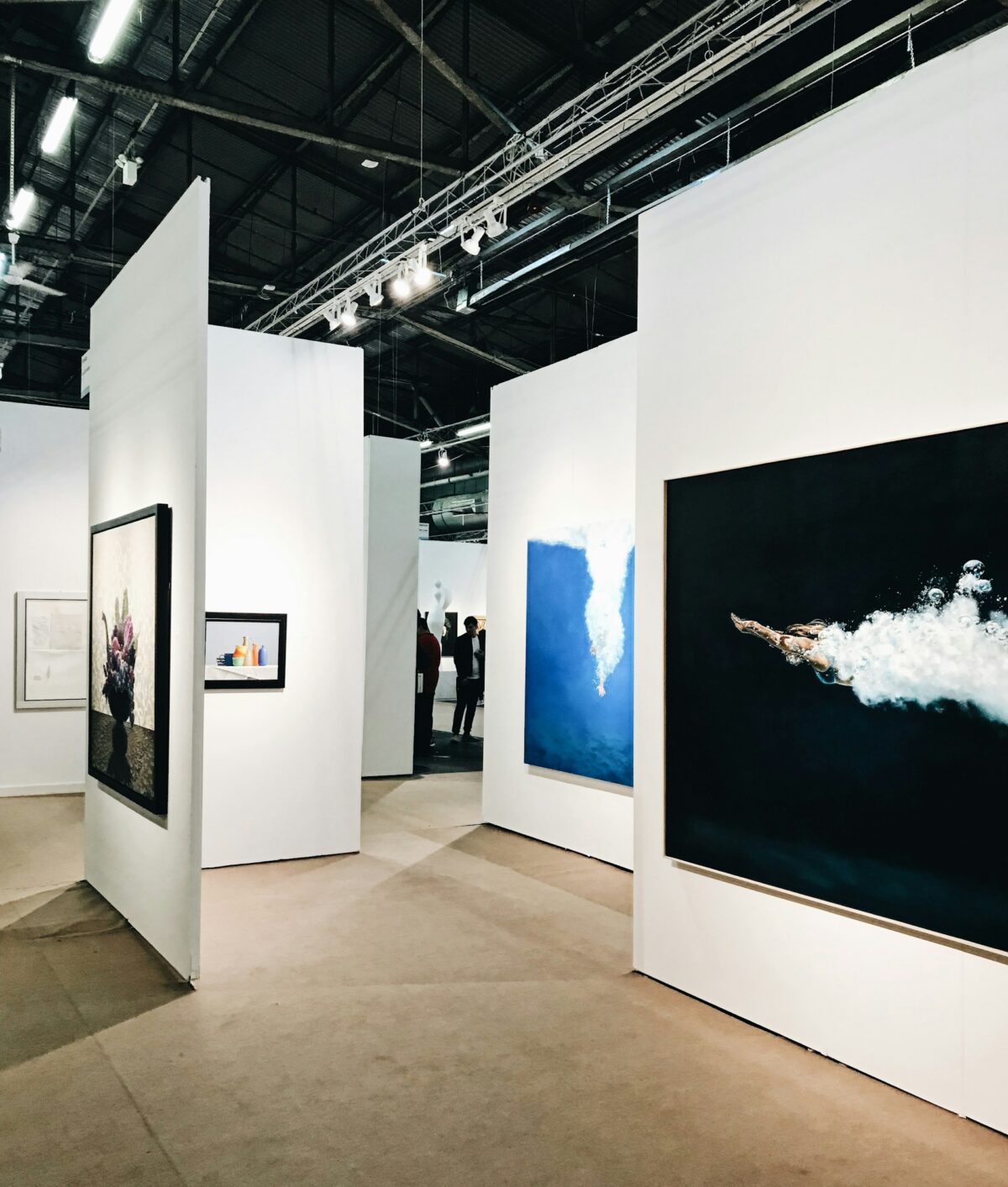

In a photo show, people can head past dozens of photos in a few minutes. A well-positioned lightbox display can draw visitors’ attention to a photograph before they move on to the next exhibit. The backlit display is different from a normal print, which merely reflects light off the front. This can help to make the photo clearer in low or non-uniform lighting conditions.
How Lightbox Displays Improve Photo Quality
Backlighting can influence how viewers perceive the colors, contrast, and fine details of a printed photograph. The printing or graphic is translucent and light goes through it from the back, making the graphic or print not solely rely on light from the room. It can help to make bright areas stand out and help to catch certain details.
Color, Contrast, and Image Detail
Some colors may look brighter on a backlighted paper print than on a regular paper print. It is ideal for product photos, cityscapes, landscapes, and images with a good color contrast. However, excessive light can also result in very light colors being washed out or very dark details becoming difficult to see.
Print Quality Matters
A light box cannot save an out of focus photo or a low-resolution file. The ideal result is obtained if a good quality image is used and a print material with back lighting capability. Test the image at the same distance as it would be viewed from a screen and make sure that it’s clear.
Beyond image quality, the choice of display materials and framing also affects the final presentation. Companies such as https://segsolution.com/ offer fabric graphics and display systems that can help photographers and brands create a consistent visual presentation at exhibitions.
How to Choose the Right Lightbox Display for an Exhibition
The ideal lightbox will vary according to the photos that you want to exhibit, the size of the room you’ll be using, and the type of event you are attending. When selecting a frame, take into account the manner in which you wish for viewers to look at the pictures and the goal you seek to accomplish with the exhibit.
Make sure the size and format are correct.
First, measure the size of your photographs and the type of wall and/or stand the display will be placed on. A small frame is suitable for a single portrait or product shot, and a large lit panel can be a great addition to a trade show or display. If you are going to display a few photographs, make sure that there is a clear distance between each image so that it can stand out.
Locate the Light Source:Look at the Light Source:
Identify the uniformity in the entire image. If there are bright spots, dark edges or uneven lighting, visitors may not see the picture. LED light sources are widely used in today’s lightboxes because they are less energy-intensive than many other light sources, and generate comparatively low amounts of heat.
Choose Appropriate frame and print.
The frame should be designed to fit the plan of the exhibition and to hold the print material you will be employing. Fabric graphics and a sewn in silicone strip fit into a frame channel and are known as Silicone Edge Graphics (SEG) systems. This can give a seamless look, and reduce the edges of the image that are clearly visible.
How Lightbox Displays Shape the Visitor Experience
A visitor to a show frequently decides where to look according to the imagery, color and organization which surrounds them. A lightbox display may assist them focus their consideration by providing a photo with a distinct area to look at. With multiple illuminated images, guests can also follow a visual theme from one section of a stand to another.
Viewing Distance and Display Height
People will look at a photo at a certain distance so the size of the photo should correspond to the distance. Big pictures are ideal for open exhibition areas, but small photos will work best in spaces where visitors can be seen up close and personal.
Light, Glare, and Readability
A bright image can lose its effect if nearby lights create glare on its surface or if the display is too bright for the room. Before the event, check the image from several angles. If the display includes text, use a clear font and enough contrast between the letters and the background. A well-planned lightbox SEG frame can help create a neat, consistent presentation, but the final result still depends on the graphic, light level, and position.
How Photographers Can Use Lightboxes to Present Their Work
Lightboxes work well for all kinds of photos, but are best used when the photo, and the display, have the same function. Photographers should take into account what they’re photographing, the colors in the image, and how far away visitors will be viewing from the photo.
Portrait and Fashion Photography
Backlighting can also enhance the appearance of portraits, as long as the skin tones and clothing colors do not appear washed out, and as long as facial features are visible. Select pictures that have a good balance in their exposure and note the effect of light on the white skin, dark skin, and bright clothing.
Product and Commercial Photography
Brands can showcase products, provide details, and promote a campaign theme with illuminated photos at trade shows. For instance a camera company could show a close up of a lens with a picture of something taken with that lens.
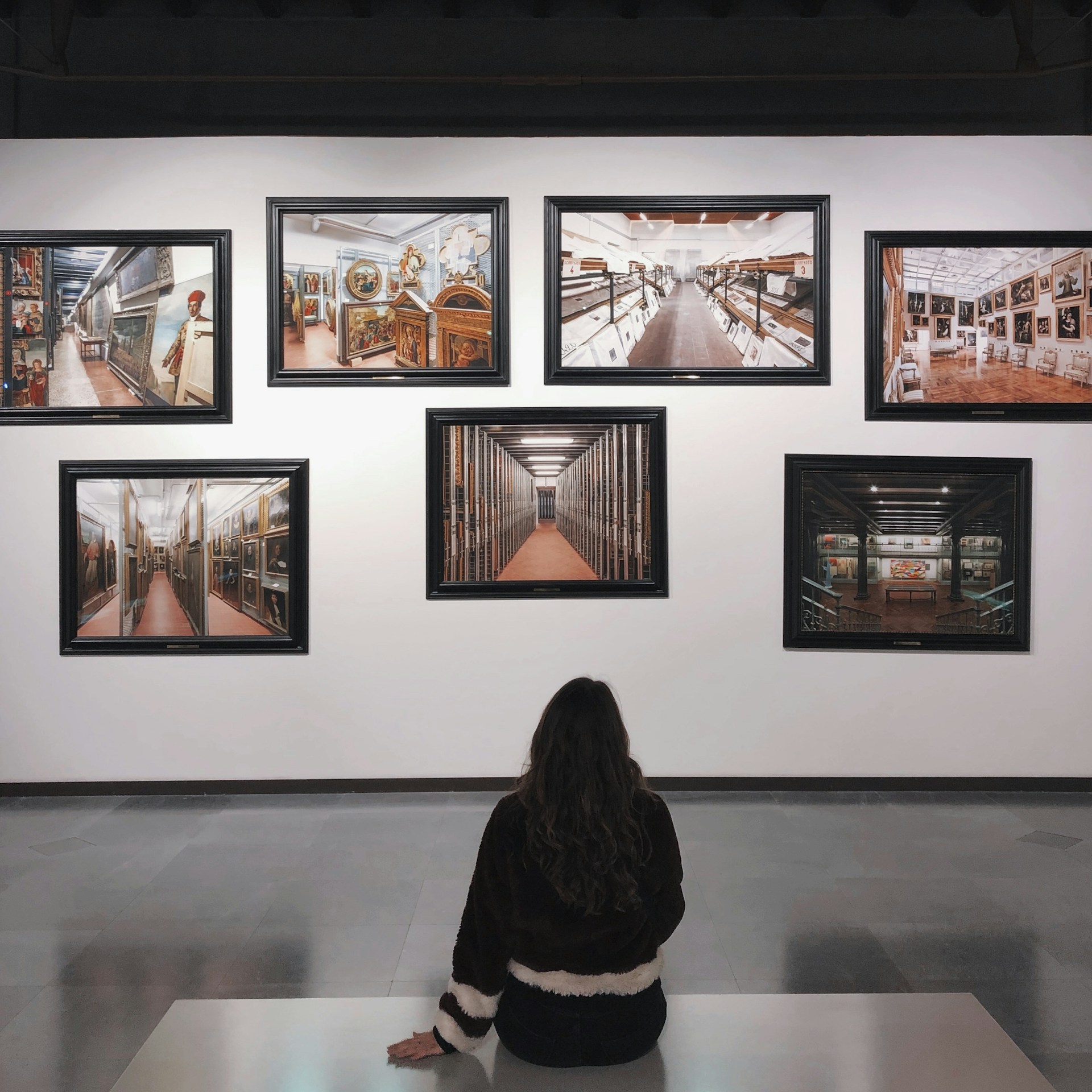
How to Plan Lightbox Displays for Different Exhibition Spaces
The format should be appropriate for the size and purpose of the venue. One large picture or two strategically placed lightboxes might be preferable to a wall of competing pictures in a small booth situation. A battery of lighted panels can help to create a brand area in a large exhibition hall and can aid in finding important photos.