







Somewhere in most growing companies, there is a spreadsheet called something like “Package Log FINAL v3.”
It started as a sensible idea: one tab, a few columns, a quick way to note what arrived and who it was for.
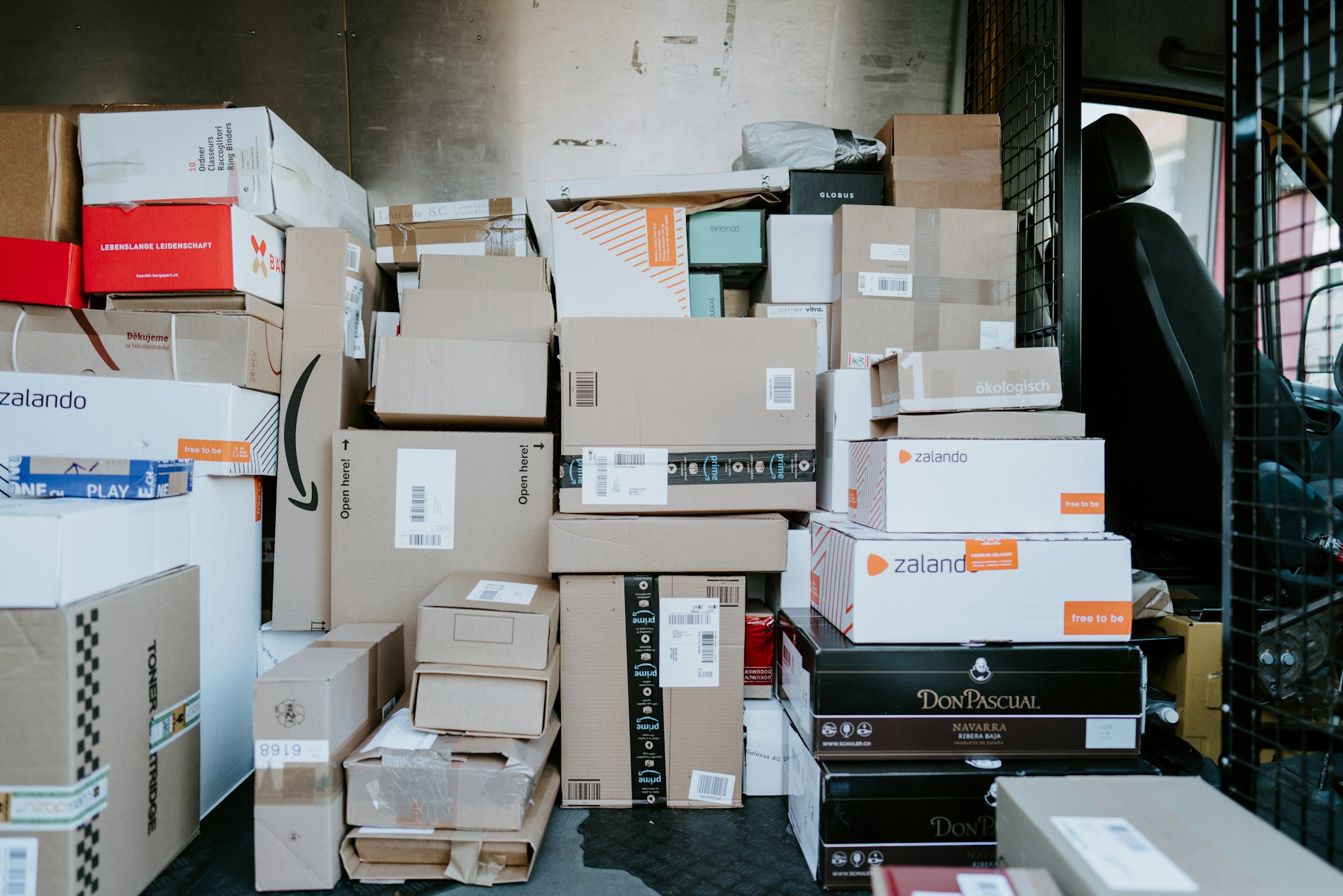
A few hundred rows later, it has become a source of confusion, and many operations teams are replacing it with dedicated mailroom management software because the log no longer keeps up with what actually comes through the door.
The shift is not about chasing new technology. It is about recognizing when a tool that worked at twenty employees quietly stops working at two hundred.
How the Spreadsheet Became the Default
Spreadsheets win early because they cost nothing and everyone already knows how to use them. When a company receives a few deliveries a day, typing a name, a carrier, and a date into a row takes seconds. Nobody needs training, approval, or a budget.
The trouble is that spreadsheets are built for analysis, not for live operations. They record what someone remembered to type, which isn’t the same as tracking what actually happened.
Where the Cracks Start to Show
The first signs are small. Two people edit the file at once, and a row disappears. Someone logs a package as “J. Smith” when three Smiths are on staff. A delivery comes in during a busy morning and never gets entered.
Each issue seems minor on its own. Together, they erode what a package log is supposed to provide: confidence that the record matches reality. Once employees stop trusting the log, they start walking to the mailroom to check in person, and the spreadsheet becomes a formality rather than a tool.
A log that people don’t trust is just extra typing.
The Data Problem Hidden Inside the Log
Manual entry creates a steady stream of inconsistencies. Carrier names get abbreviated differently, tracking numbers get mistyped, and recipient names vary from row to row. No one is to blame. It is simply what happens when busy people type the same kinds of information hundreds of times.
The result is a record that is hard to search and nearly impossible to report on. Answering a basic question, such as how many parcels the company received last quarter or how long items typically sit before pickup, can mean an afternoon of cleanup before the numbers mean anything.
What Purpose-Built Workflows Do Differently
Dedicated tools address the problem from the moment a package arrives, not after the fact. Instead of typing details, staff scan a label, and the system automatically captures the carrier and tracking number. Recipients are matched against a staff directory, so names stay consistent. The contrast with a spreadsheet is clearest side by side.
| Spreadsheet Log | Purpose-Built Mailroom Workflow |
| Details typed by hand | Labels scanned and captured automatically |
| Recipient names entered freely | Recipients matched to a staff directory |
| Recipients told in person or by message | Automatic email or app notifications |
| No proof of pickup | Signature, photo or timestamp at collection |
| Reporting requires manual cleanup | Volume and dwell-time data available instantly |
| One file, prone to editing conflicts | Shared system with a consistent record |
Visibility for Everyone, Not Just the Front Desk
A spreadsheet usually lives with the one or two people who maintain it. Everyone else has to ask. Modern workflows flip that arrangement by notifying recipients as soon as an item is logged, which removes a surprising amount of back-and-forth.
That visibility also helps managers. When package data is structured, you can see which departments receive the most deliveries, which days are busiest, and whether items are piling up. Those patterns help with staffing decisions and space planning.
Accountability and Chain of Custody
For many companies, the strongest reason to move away from spreadsheets is accountability. A row that says “delivered” doesn’t prove the right person collected the item. When a laptop, a legal document, or a client’s property goes missing, the company needs to know exactly who handled it and when.
Purpose-built systems record each handoff, from arrival to storage to pickup. That chain of custody protects employees as much as the business, replacing blame and guesswork with a clear record.
The value of a good record shows up on the day something goes missing.
Hybrid Work Changed the Equation
Flexible schedules have made package handling harder, not easier. When employees are in the office only a few days a week, parcels sit longer, and storage fills up faster. A spreadsheet can’t tell someone working from home that their delivery has arrived, or remind them it is still waiting.
Automated notifications and reminders fit this pattern far better. They let employees decide whether to collect an item, have it forwarded, or arrange another option, without anyone at the front desk having to track them down.
Making the Switch Without Disruption
Moving off a spreadsheet does not need to be a major project. Most companies start by importing their staff directory, setting up one intake point and running the new process alongside the old log for a week or two. Once staff see that scanning a label is faster than typing a row, adoption tends to follow.
It helps to define a few simple rules early, such as where packages are stored, how long items can wait before a reminder goes out, and what happens to unclaimed deliveries. Clear rules make any tool more effective.
The Bigger Picture
Spreadsheets are rarely the wrong choice at the start. They become the wrong choice when volume, headcount, and expectations outgrow what manual entry can reliably support. The signs are familiar: missing rows, mismatched names, repeated questions, and a log nobody fully trusts.
Growing companies that move to structured mail and parcel workflows are not adding complexity. They remove the daily friction of asking a general-purpose tool to do a specialized job. The payoff is a mailroom that runs consistently, a record people can rely on, and a team that spends its time on work that actually moves the business forward.