


Lyric videos now dominate TikTok, YouTube, and every scroll in between. According to a Geekflare article, the format is “famous on every other social media platform.” Trying to sync every syllable by hand, however, can drain hours you’d rather spend in the studio.
That’s why AI lyric video makers matter. They auto-transcribe your track, snap every line to the beat, and render motion-text clips in minutes. After two weeks of testing a dozen platforms, we narrowed the field to the six standouts—ranked by accuracy, creative control, price, and speed—so you can get back to writing songs.
Why auto-sync lyric tools change the game.
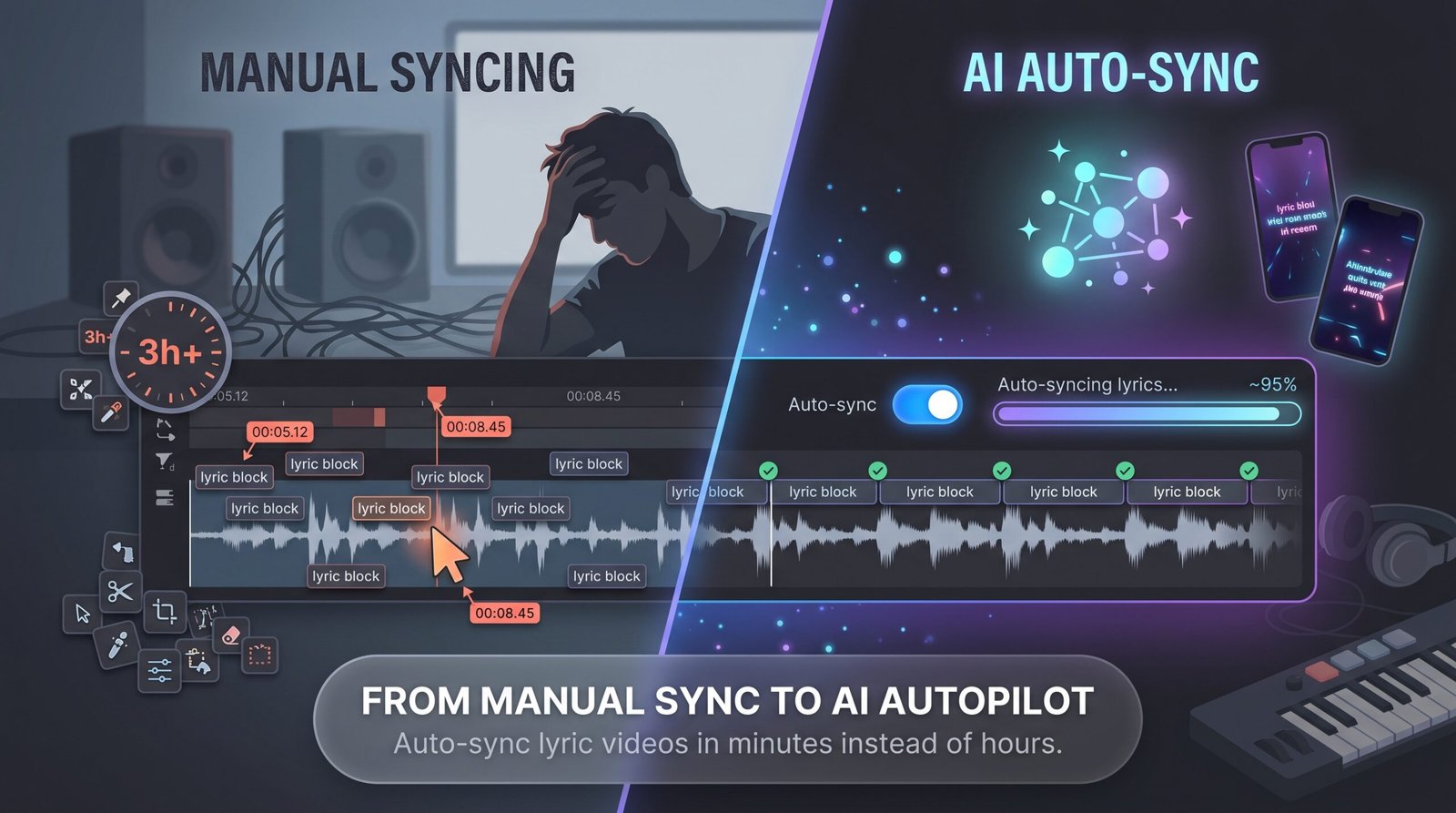
Manual lyric syncing saps creativity. You listen, pause, nudge a timestamp, then repeat, sometimes for hours, before a three-minute track lines up. That grind keeps many artists from posting.
Auto-sync alters that routine. The software scans your audio, detects each vocal onset, and drops every line where the beat expects it. One upload takes you from a blank timeline to a watch-ready draft. Speed is strategic. Social platforms that drive music discovery reward quick reactions. When a snippet pops on TikTok tonight, you need visuals tomorrow, not next week. Auto-sync tools compress production from days to minutes, helping you ride trends while they’re active.
According to Neuralframes.com’s Autopilot guide, you can go from upload to a finished 4K lyric video—including vertical and square cuts—in about 10–15 minutes, so your hook can hit TikTok while the trend is still building. Precision also matters. Mis-timed captions break the vibe. Modern engines now exceed 90 percent accuracy on the first pass, so your hook lands with the bass, not a beat later, giving fans an easy sing-along and a reason to replay.
How we picked the winners
We spent two weeks hands-on with a dozen lyric-video platforms, running the same three test songs (a fast rap, a mid-tempo pop track, and a slow ballad) through each engine. First, we graded sync accuracy. If a tool let even one chorus slip off the beat, it lost points.
Next came output quality. We required at least 1080p exports and multiple aspect ratios because one video often lives on YouTube, TikTok, and Instagram Stories. We then checked creative flexibility. Templates, AI-generated backgrounds, and manual overrides all mattered. Any platform that forced one neon font was cut. Price was fourth. We calculated cost per export so you can compare a pay-as-you-go model with an unlimited plan.
Finally, we measured ease of use, counting the clicks and minutes from upload to finished video.
Only six platforms cleared every bar. Those are the ones you’ll see next.
1. Neural Frames: hands-off 4K quality for artists who refuse to compromise
Neural Frames leads the pack for one reason: Autopilot handles almost everything but writing the song. Upload a track, and the platform extracts the lyrics, detects tempo, and builds an AI storyboard before you finish your espresso. Each lyric then melts into the background art rather than sitting as a plain caption—a scene-by-scene approach showcased on https://www.neuralframes.com/lyric-video-maker where you can preview 4K-ready examples built for YouTube, TikTok, and even live screens.
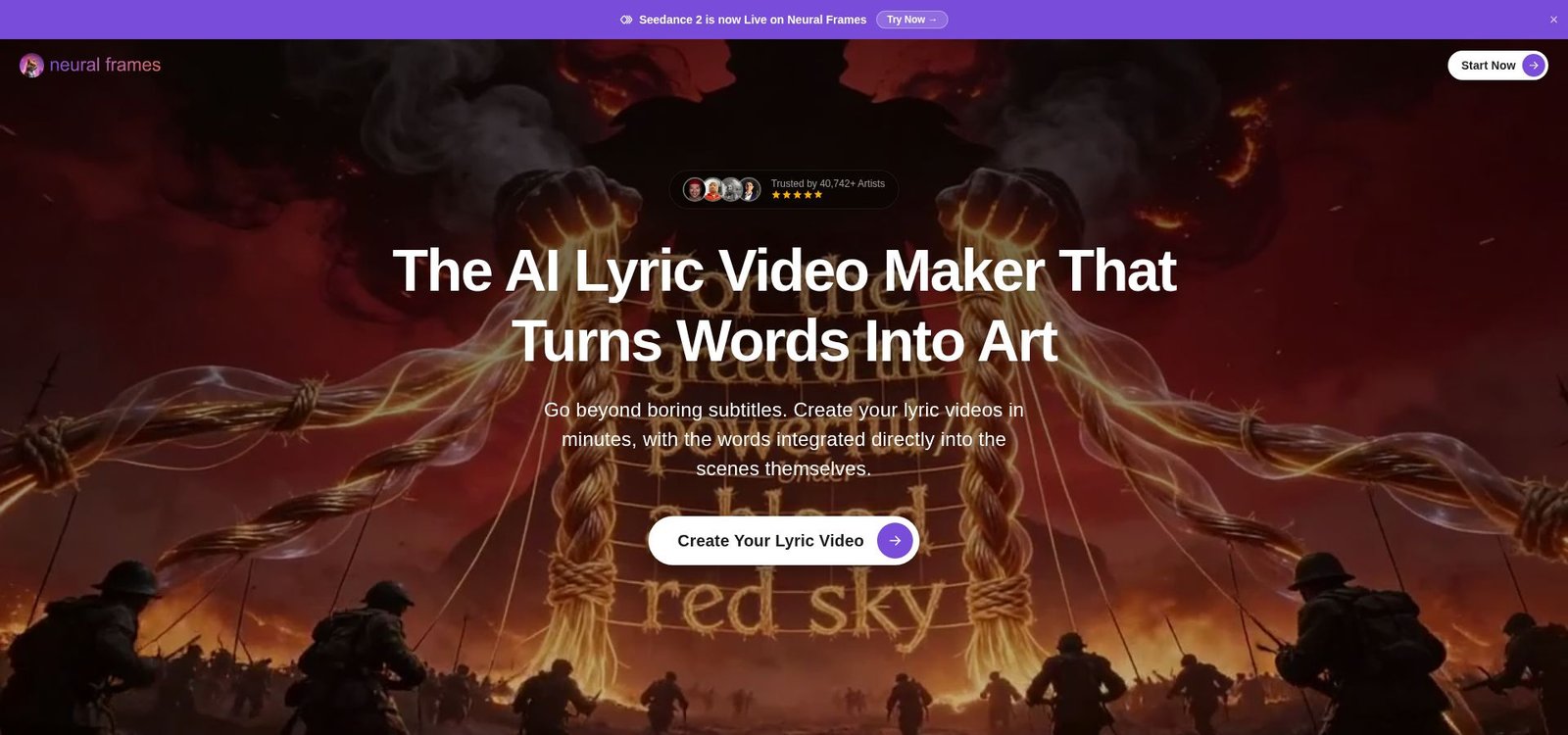
In our test, Autopilot produced a complete music video in 10–15 minutes. Fine-tuning in the lyric editor took under a minute. Exports reach crisp 4K, so your video still looks sharp on a big screen. Creative control is ready when you need it. Open the frame-by-frame editor to swap fonts, fix a shaky shot, or add camera moves that rise with the chorus. If speed matters, the default visuals already feel broadcast ready.
Pricing starts at $26 per month, then $66 per month for 4K with generous rollover credits, positioning Neural Frames for serious release schedules, not casual posts. If you plan to drop multiple singles this year and want each lyric video to signal a label-level budget, this is the tool to pick.
2. Videobolt: designer templates and unlimited exports for content machines
If Neural Frames feels like a studio camera, Videobolt is the multitool in your pocket. Start by choosing from more than 500 motion-graphic templates, ranging from glitchy EDM verse cards to mellow acoustic watercolor scenes. Drop in your song, paste the lyrics, and Videobolt’s sync engine locks every line to the vocal without fuss.
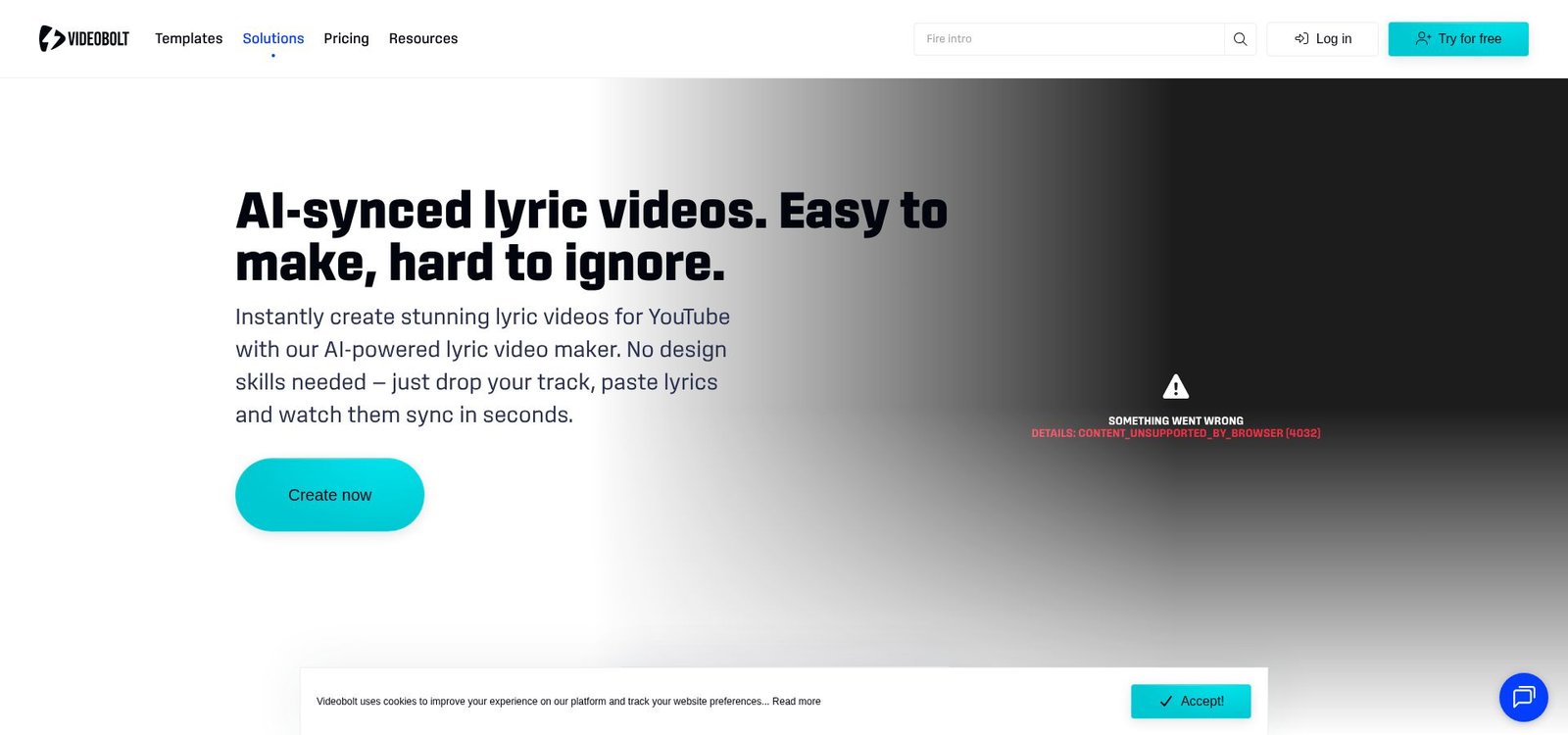
Scale is the standout feature. The Pro plan offers unlimited watermark-free renders in up to 4K for roughly the cost of a streaming subscription. You can finish a full-length lyric video for YouTube, a 15-second hook for TikTok, and a square teaser for Instagram in one afternoon, without counting per-render fees. Customization hits a balanced point: deep enough to change colors, fonts, and background footage, yet guided by smart animation so you never sink into design quicksand. We flipped a theme from neon to vintage sepia in three clicks, then turned the chorus text into a lively bounce with one slider.
For busy labels, social teams, or solo artists on a content sprint, Videobolt supplies professional polish at assembly-line speed.
3. Rotor: stock-footage flair without the editor headache
Some songs ask for more than animated text. They need city skylines, quick cuts, and energy that rises with the snare. Rotor meets that need by pairing lyric sync with an automated video editor that splices royalty-free footage to your beat. You load a track, tick the Transcribe & Sync box, and Rotor builds both the captions and the visual montage in one pass. The result feels closer to an official music video than a karaoke clip, which helps your YouTube thumbnail stand out.
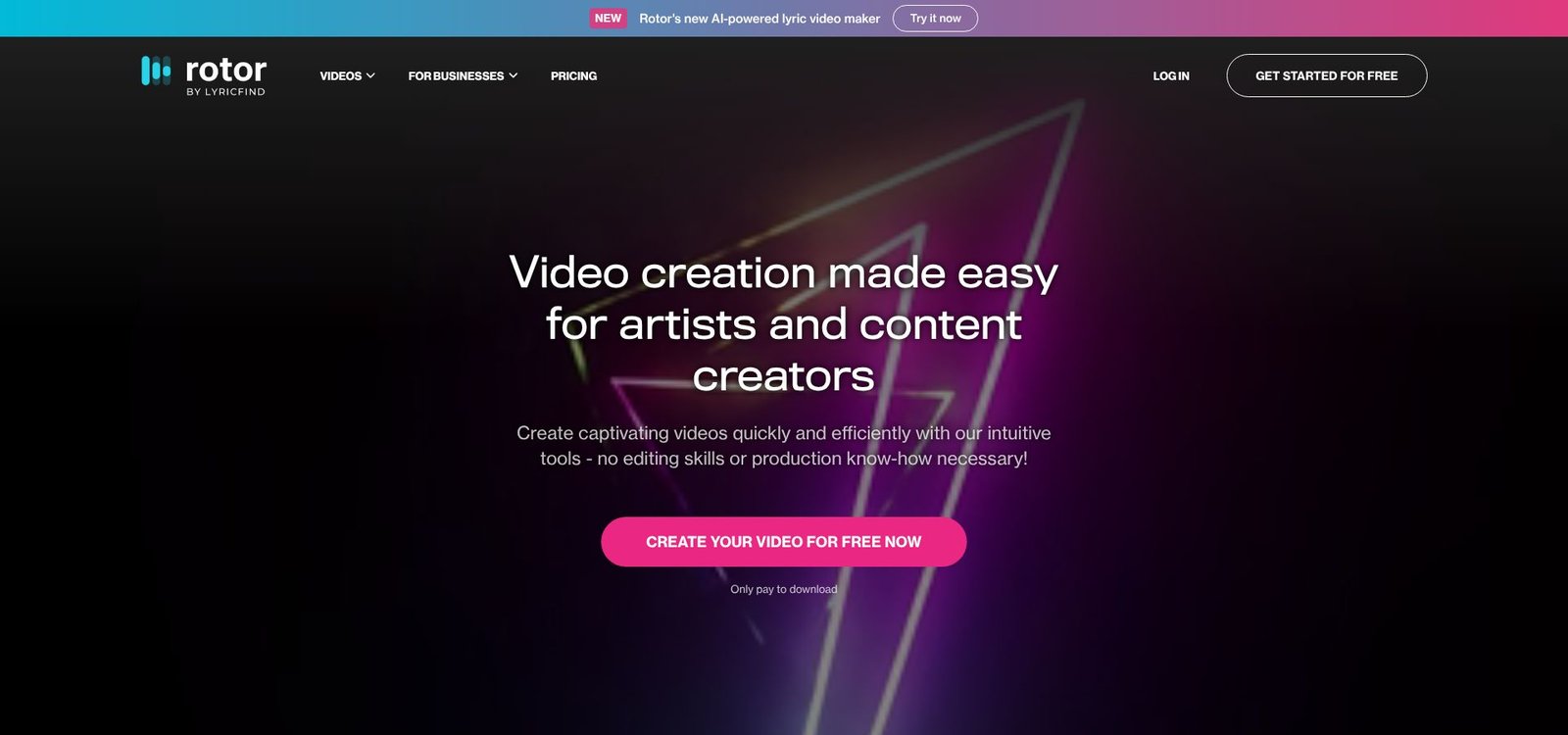
Footage options run deep. We typed “neon nightlife” for our electro single and received a fast-cut mix of street signs and strobes matched to each downbeat. The lyric overlay landed cleanly on top, and any misheard word was simple to fix in the side-by-side text panel. Rotor limits exports to 1080p, so do not expect cinema-level resolution. It also works on a credit system: about nine dollars per credit, with lyric videos costing four credits. That can add up if you post daily. For bands dropping one or two high-impact releases each quarter, though, pay-as-you-go pricing is still cheaper than hiring an editor for a single afternoon.
4. Musid.ai: mood-aware visuals that breathe with every lyric
Musid feels less like software and more like a collaborator that listens and responds. The platform studies your track’s BPM, dynamics, and lyrical sentiment, then builds scene-by-scene backgrounds that match the emotion on cue. We tested Musid with a downtempo R&B ballad. Verse one revealed dusky blue skylines; the chorus shifted to warm neon gradients as the melody lifted. Sync accuracy impressed us. Each line landed on the exact vocal attack without manual timestamps.
Micro-editing is where Musid excels. The timeline stacks waveform, lyric cues, and background changes in one clean view. You can nudge a word, lock a scene swap to a snare hit, or swap the AI art for your own photo, and everything updates in real time.
Exports top out at 1080p, and renders finish in about five minutes, which feels fair given the generative workload. Pricing starts with a limited free tier, then moves to a $15-per-month Lite plan that covers roughly one full song. For artists seeking a distinctive visual narrative without opening After Effects, Musid strikes a balance between creative control and AI assistance.
5. LyricVue: lyric videos for less than your latte
If you’re cash-strapped but still want motion-synced lyrics, LyricVue is the standout bargain. The browser app gives you three HD exports free, plenty to test-drive its 30 animation styles.
Need more? Pay-as-you-go pricing stays friendly. A clean 1080p video with no watermark costs $1.99, and no subscription is required.
Despite the price, LyricVue auto-transcribes vocals with solid accuracy and pairs them with AI-generated backdrops, so you’re never staring at plain text on black. Tweaks stay simple: adjust timing in an inline editor, swap a background image, hit render, and you’re done in under five minutes.
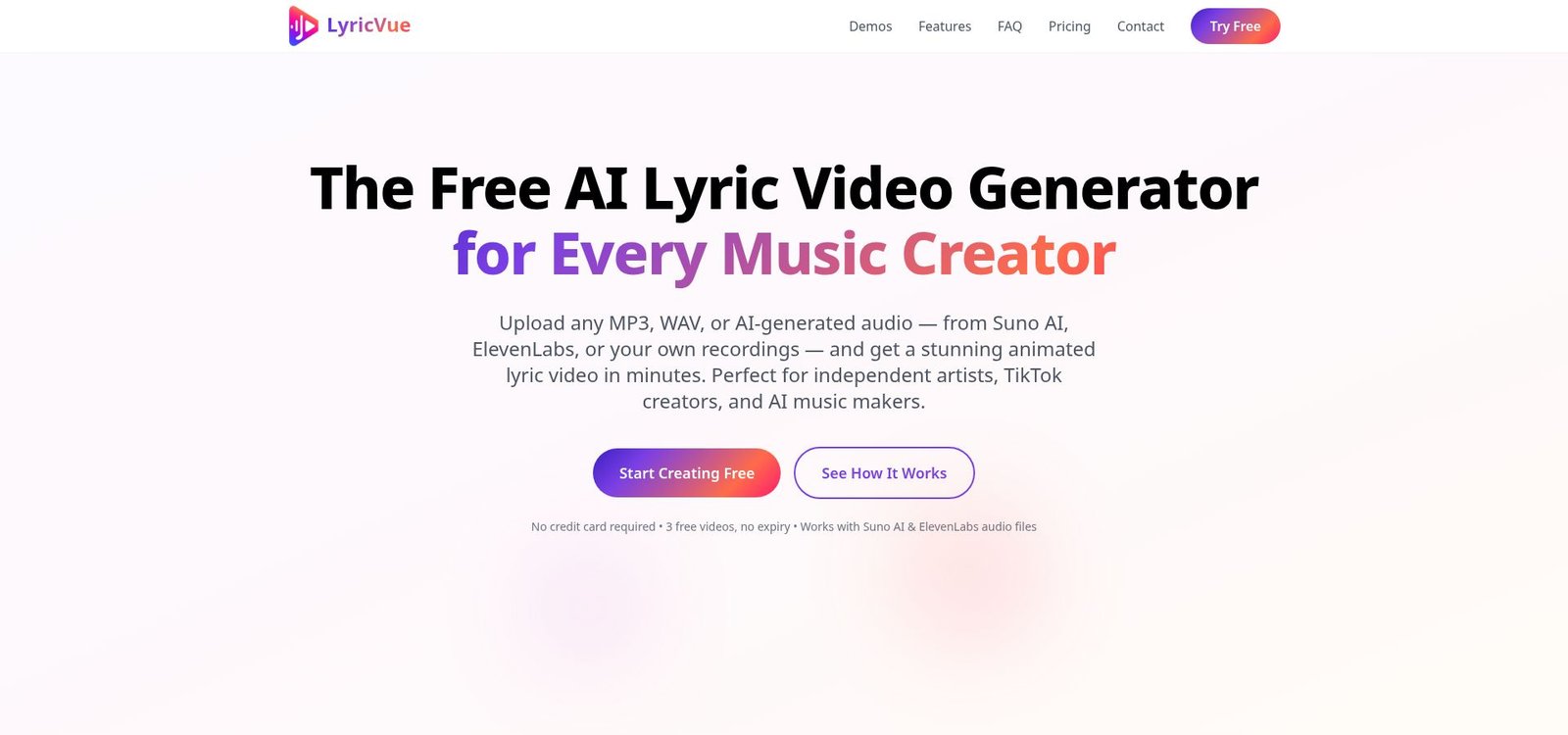
Limitations fit the fee. Videos cap at four minutes unless you move up to the $7.99 Creator plan, and you will not find 4K exports or deep typography controls. Still, for indie artists releasing an occasional single, or creators who need quick lyric clips on demand, LyricVue delivers strong value.
6. Kapwing: the free fallback every creator should bookmark
Kapwing is not a lyric specialist; it is a general online editor with a capable auto-caption tool. Upload your audio or video, select Auto Subtitles, and Google-powered speech recognition returns a timed transcript. Style the text, add a simple background, and export in 1080p with no watermark as long as the file stays under five minutes.
That flexibility makes Kapwing handy when you need a quick, no-cost lyric clip, such as teasing tomorrow’s release in an Instagram Story. Drag-and-drop timing tweaks feel smooth, and the font library rivals many desktop apps. Collaboration is simple: send a project link to a bandmate, and they can correct a misheard word without creating an account.
Kapwing’s main gap is automation flair. It will not auto-cut stock footage or generate AI art, so kinetic typography requires manual work. Still, as a reliable backup, especially for short hooks, podcast snippets, or last-minute lyric videos, Kapwing deserves its honorable-mention spot.
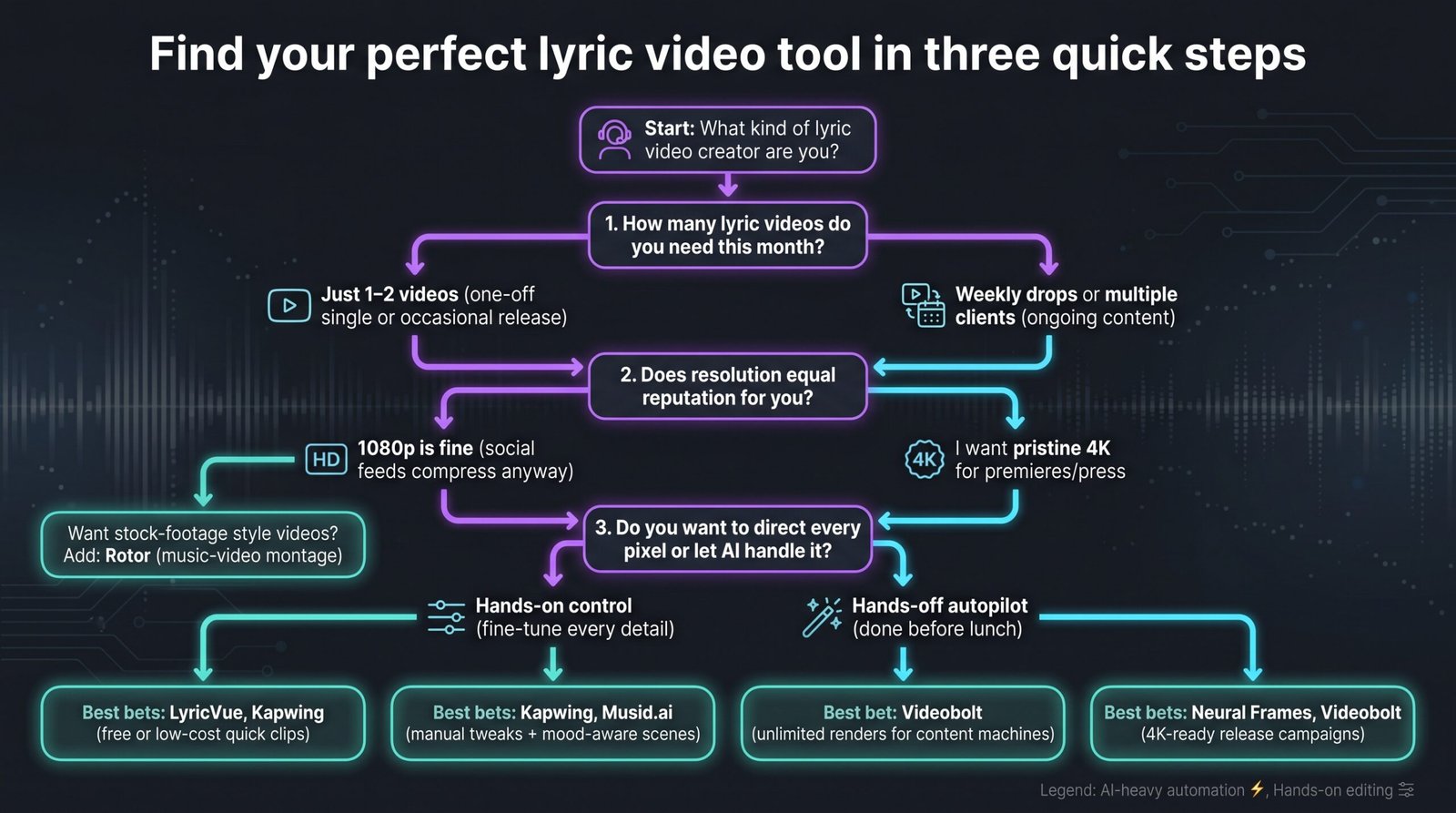
Side-by-side: which tool checks your boxes?
Sometimes you just want the facts at a glance. Use the grid below as a quick reality check before you start a free trial or pull out a card.
| Tool | Auto-sync method | Free tier | Paid pricing | Max resolution | Watermark policy | Best fit |
| Neural Frames | Full audio → lyric extraction and timing | Demo clip | $26 per month (HD), $66 per month (4K) | 4K | None on paid plans | Release campaigns that need studio polish |
| Videobolt | Paste lyrics, AI aligns to vocals | 540p with watermark | Starts at €9.99 per month (billed annually) for unlimited renders | 4K | Removed on Pro | High-volume social teams |
| Rotor | AI transcribes + cuts stock footage | Watermarked preview | Starts at $9 per credit (lyric videos cost four credits) | 1080p | Removed after purchase | Music-video style visuals |
| Musid.ai | Beat-aware lyric + mood visuals | 10 credits | $15 per month Lite plan (about one song) | 1080p | None on paid plans | Artists wanting narrative backgrounds |
| LyricVue | Auto or pasted lyrics | Three free videos | $1.99 per export | 1080p | None once paid | Budget-minded singles |
| Kapwing | Speech-to-text captions | Unlimited under five minutes | Free, or $16 per month Pro for 4K | 1080p (4K on Pro) | None when logged in | Fast, no-cost snippets |
Focus on the columns that match your non-negotiables. Need vertical video? Videobolt, Musid.ai, Rotor, and LyricVue handle 9:16 with one click. Hunting for true 4K? Only Neural Frames and Videobolt deliver. Working with no budget? Kapwing or LyricVue’s free credits will get you out the door today.
Find your perfect match in three quick questions. Tools differ, but your priorities are usually simple. Ask yourself these questions and the right pick will surface.
How many videos do you need this month?
If you have a one-off single, pay $1.99 on LyricVue or use Kapwing for free. For weekly drops or multiple client accounts, Videobolt’s unlimited plan covers you without extra fees.
Does resolution equal reputation for you?
When your brand values pristine fidelity, such as label press releases or 4K YouTube premieres, choose Neural Frames or Videobolt. For social feeds that compress video, 1080p from Rotor, Musid.ai, or LyricVue is enough.
Do you want to direct every pixel or let AI handle it?
Hands-on creators will appreciate Kapwing’s manual timeline and Musid.ai’s scene locks. Those who want a finished video before lunch can rely on Neural Frames Autopilot or Videobolt’s templates.
Test two platforms, compare exports, and keep the one that feels right. A few minutes of experimentation now can save hours of editing later.
What’s next: trends that will shape lyric videos in 2026 and beyond
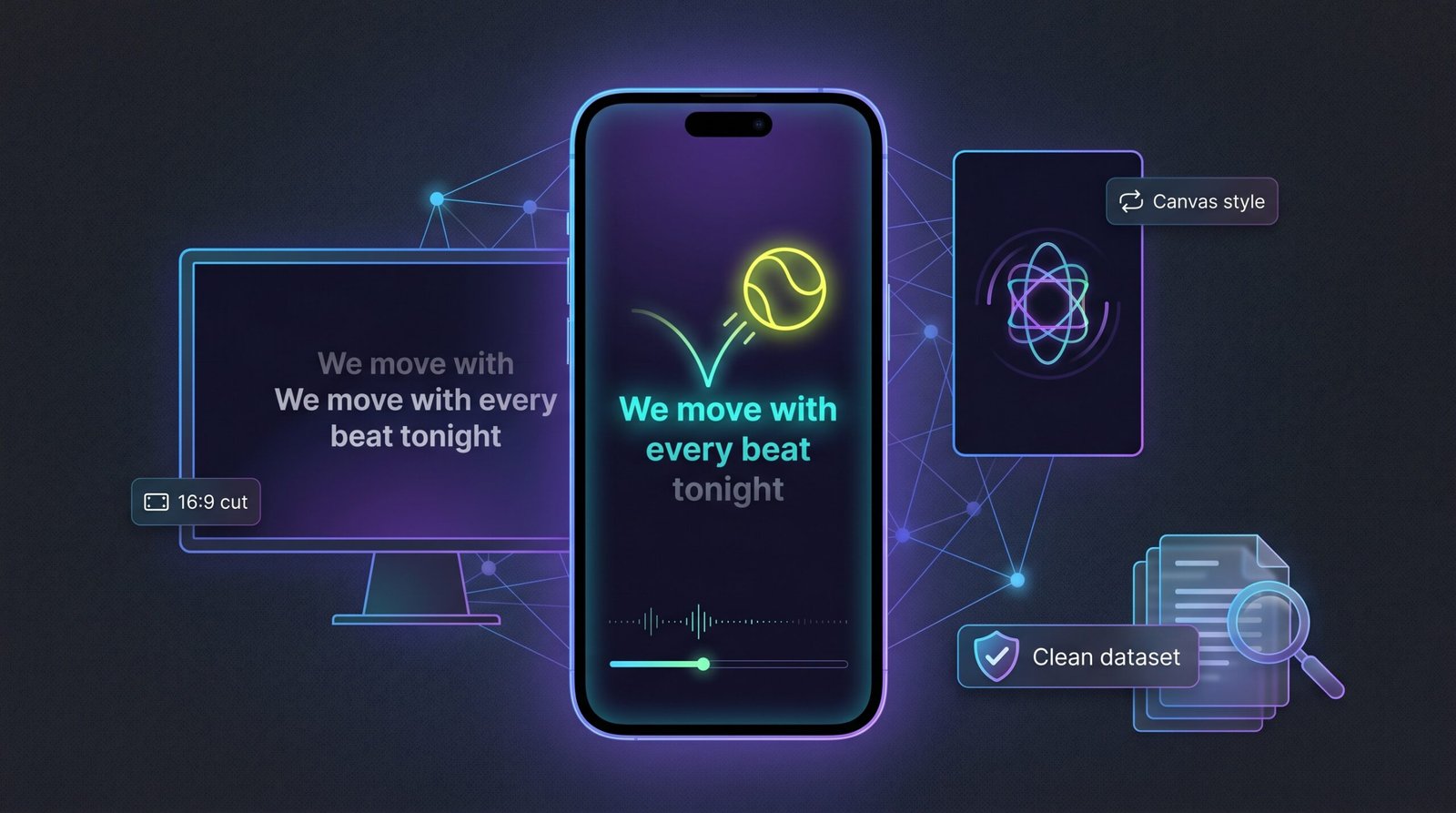
AI progress is just beginning. Word-by-word karaoke highlighting, once a clunky plug-in, now trains on massive speech-to-sing datasets, so expect mainstream tools to spotlight each syllable in perfect rhythm. Fans will not just read your hook; they will follow it like a bouncing-ball karaoke track, which boosts watch time. Vertical first is gathering speed. TikTok rewired how we shoot, and tools are replying with default 9 × 16 workspaces that auto-reframe text, backgrounds, and motion. If you still export widescreen, plan a vertical cut too; algorithms reward native sizing.
Watch for one-click “Canvas loops.” Spotify’s eight-second canvases drive streams, and platforms such as Rotor and Musid are already testing export presets that trim your lyric video into a gap-free loop sized for the Canvas slot. That repurposing step will soon disappear. Licensing is the final frontier. As auto-generated art improves, labels need proof that no copyrighted imagery slips through. Vendors are adding “clean dataset” badges and audit logs. When you pitch a lyric video to a partner brand, that paper trail could seal the deal.
Stay alert to these shifts, and your visuals will feel current without chasing every new app at launch.
Quick-fire FAQs before you hit render.
Do I need to type my own lyrics?
Not if you prefer not to. Neural Frames, Rotor, Musid.ai, and LyricVue all auto-transcribe from the audio. Still, skim the text; they are accurate, not perfect.
Will these videos get flagged on YouTube?
Copyright strikes come from the song, not the visuals. If you own or license both the master and the publishing, you are in the clear. The AI art each tool generates is royalty-free.
Can I edit after exporting?
Yes. Every platform lets you download the project again or start a new render with fresh tweaks. Keep an eye on credit counts if you use a pay-as-you-go plan.
What about captions for people who are deaf or hard of hearing?
Auto-synced lyrics double as accessible captions, meeting compliance guidelines and broadening your audience in one step. These answers cover about 90 percent of the questions we receive about lyric videos. If you are still unsure, try the free tiers and test the workflow on your next demo track.
Wrap-up: pick a tool, press play, post faster.
Lyric videos no longer belong to motion-graphics pros. With auto-sync engines hitting more than 90 percent timing accuracy on the first pass and budget options dropping to two dollars per render, every artist can pair words and music in minutes. If polish matters most, Neural Frames Autopilot still sets the mark for hands-off accuracy and 4K output. Need quantity over maximum quality? Videobolt’s unlimited plan keeps content calendars full without surprise fees. When money is tight, LyricVue or the free tier of Kapwing makes sure you are never silent on release day.
The demand is real. Geekflare calls lyric videos ubiquitous across TikTok and Reels feeds. Your audience is already watching; now you have the roadmap to join the scroll. Pick a platform tonight, load your next single tomorrow, and let the lyrics speak on every screen your fans tap.