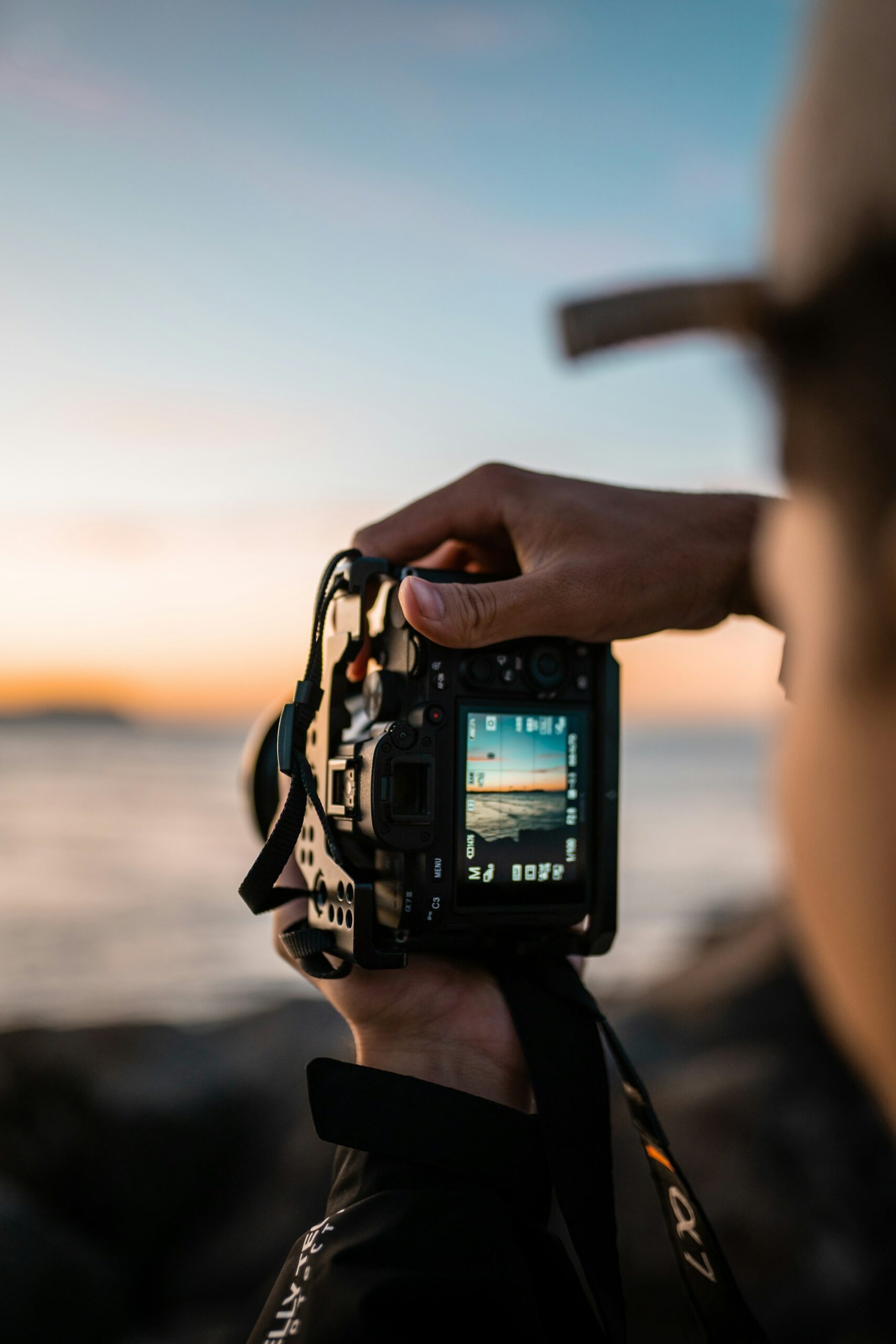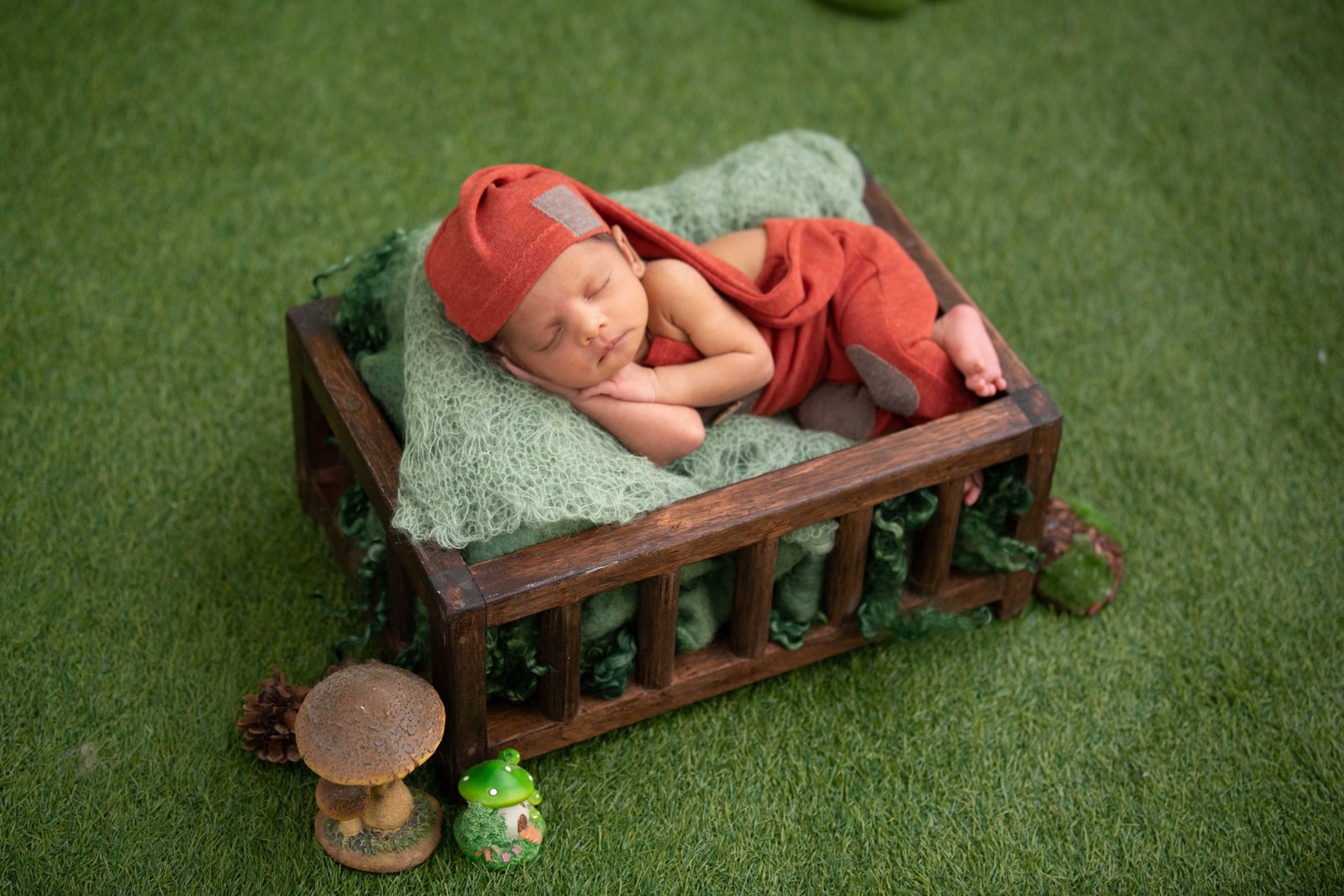


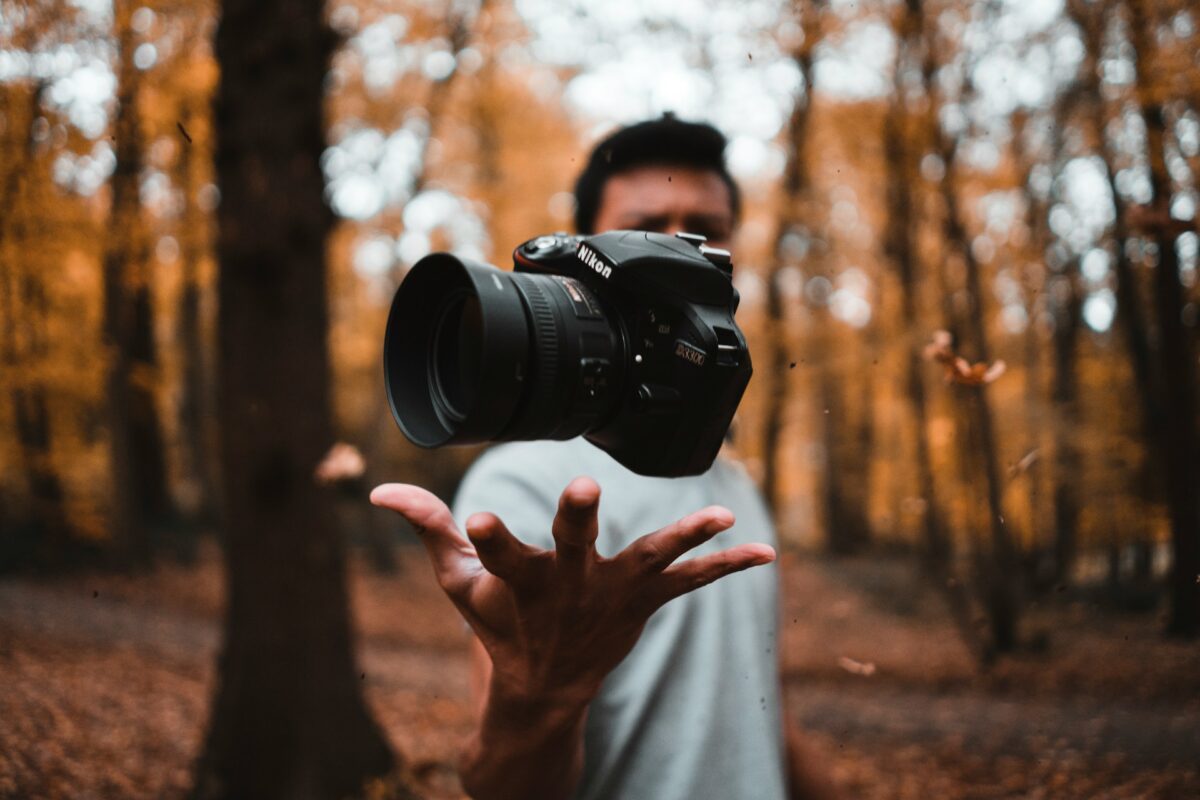

An ai talking photo turns a still studio portrait into a short spoken introduction for digital exhibitions, portfolio lookbooks, and editorial features when the creative team pairs a well-lit front-facing portrait with a script under 80 words and clear viewer context. Instead of asking visitors to read a dense wall of curatorial text before viewing a photo series, photographers and magazine editors can place a 25-second spoken note right beside the opening gallery frame.
Visual culture publications, independent galleries, and commercial photography studios increasingly publish interactive web stories alongside print issues. Readers browsing an interview or a documentary photo essay on their phone rarely read three paragraphs of introductory biography before scrolling to the plates. Yet hearing why a series was shot in late-autumn light, or why a portrait subject chose a specific studio backdrop, changes how the viewer experiences the entire gallery.
Booking a separate two-camera video shoot every time an artist updates an online lookbook or announces a touring print show adds days of lighting setup, audio editing, and color grading. A spoken portrait workflow bridges that gap for short curator notes and artist introductions, provided the creative director handles portrait selection, audio pacing, and ethical disclosure with care.
Where an AI talking photo fits in editorial and gallery publishing
Not every story in a visual arts magazine belongs in a talking portrait format. Long investigative essays and multi-person documentary features still rely on written reporting or location video. Short, single-voice explanations, however, benefit immediately from a direct spoken introduction.
Museum and digital publishing guidelines, including the Cooper Hewitt Guidelines for Accessible Digital Exhibitions and media accessibility standards from the World Wide Web Consortium (W3C), emphasize that combining concise audio narration with synchronized captions helps visitors absorb context without visual fatigue.
| Editorial or studio use case | Traditional production hurdle | Spoken portrait workflow |
| Online photography exhibition intro | Curators write 500-word wall texts that mobile visitors skip | A 30-second spoken curator note introduces the theme and lighting choices |
| Photographer portfolio lookbook | Booking a video crew for each seasonal client pitch takes days | One studio self-portrait delivers tailored 25-second pitch intros per agency |
| Magazine contributor spotlight | Contributors live in different time zones with uneven webcam lighting | A high-resolution press portrait is paired with a clean 60-word voice script |
| Print issue companion QR code | Readers scan a QR code and land on a static text page | Readers hear a brief behind-the-scenes story about how the cover frame was made |
How to choose a portrait that animates naturally
Photographers notice lighting and facial geometry immediately, which means a poorly chosen source photo will undermine the credibility of a creative portfolio. When selecting a still image for lip-synced narration, studio teams follow four practical framing rules:
1. Stick to eye-level, front-facing camera angles
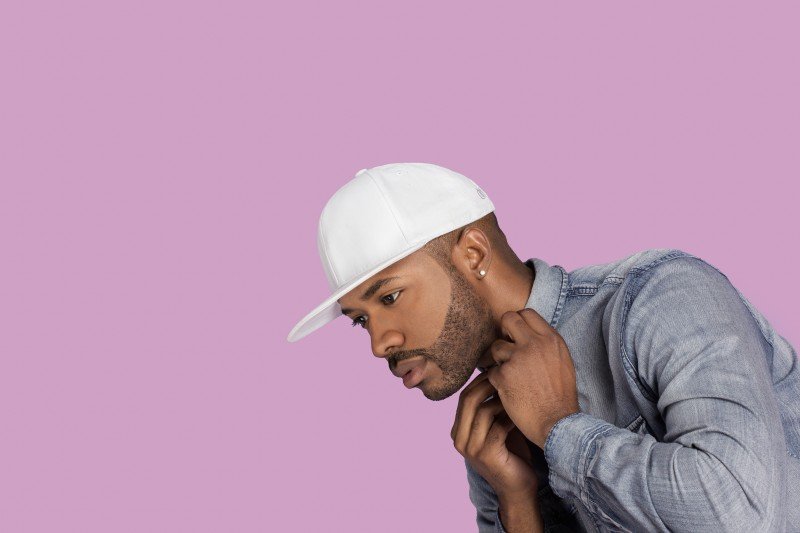
Dramatic three-quarter profiles, tilted Dutch angles, and heavy chin-down poses work well on a magazine cover, but they distort when mouth and jaw movement is added. Choose a frame where the lens sits at eye level and both eyes and corners of the mouth are clearly visible to the camera.
2. Avoid hard shadows across the lower face
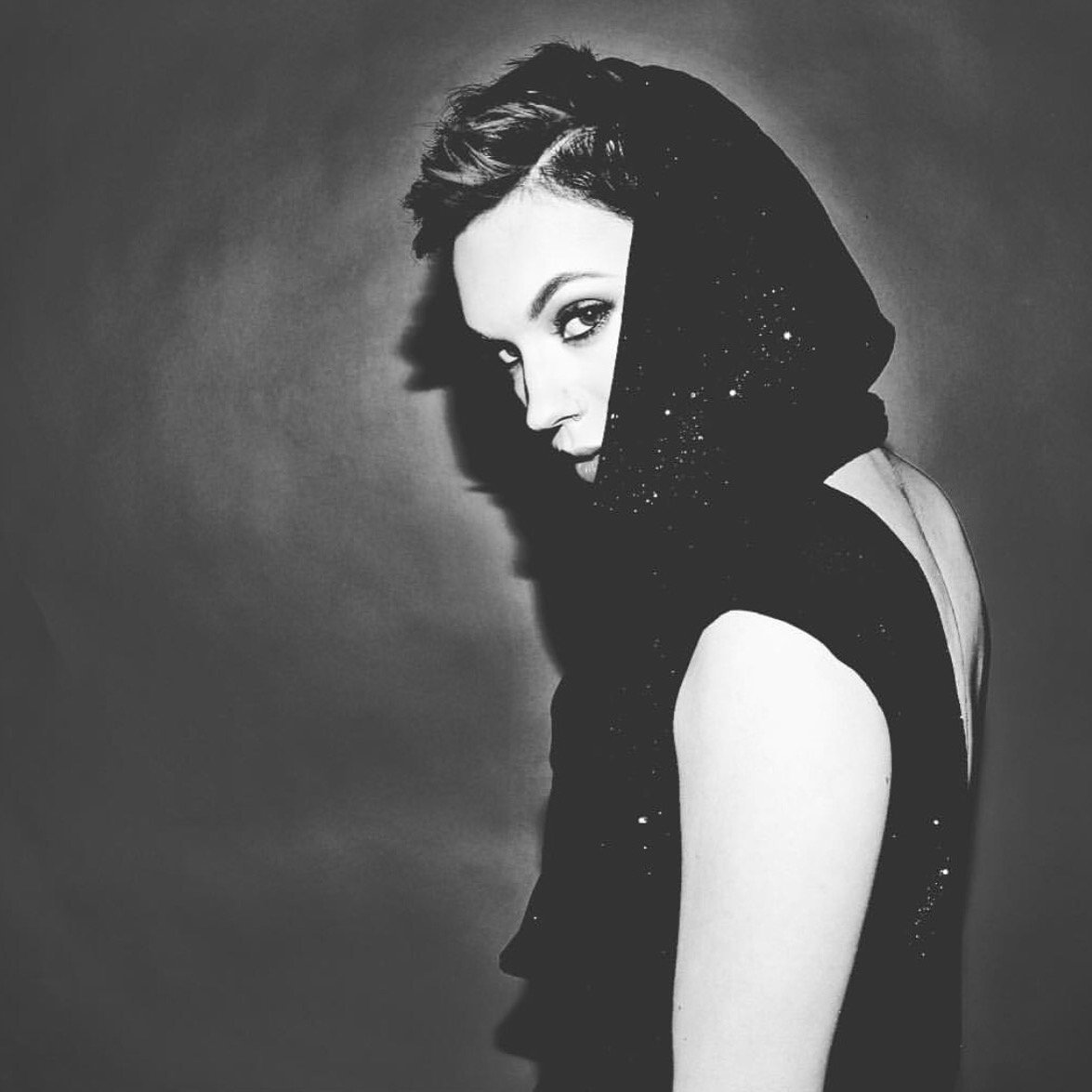
Rembrandt lighting with deep shadow across one cheek or harsh venetian-blind patterns creates unnatural texture shifts around the jawline during speech animation. Soft key lighting, open shade, or a balanced octabox setup with clean skin tones around the lips and chin produces far cleaner motion.
3. Keep hands, microphones, and props clear of the chin
Portraits where the subject rests a hand on their cheek, holds a camera body near their mouth, or wears a heavy scarf over the jawline cause visual warping around the objects near the lips. Leave uncluttered space around the neck and shoulders so subtle head movements look natural.
4. Match the background to the tone of the story
A neutral canvas backdrop, a quiet darkroom corner, or a softly out-of-focus studio wall keeps attention on the speaker’s expression and words rather than competing background details.
Building a 30-second curator or artist note
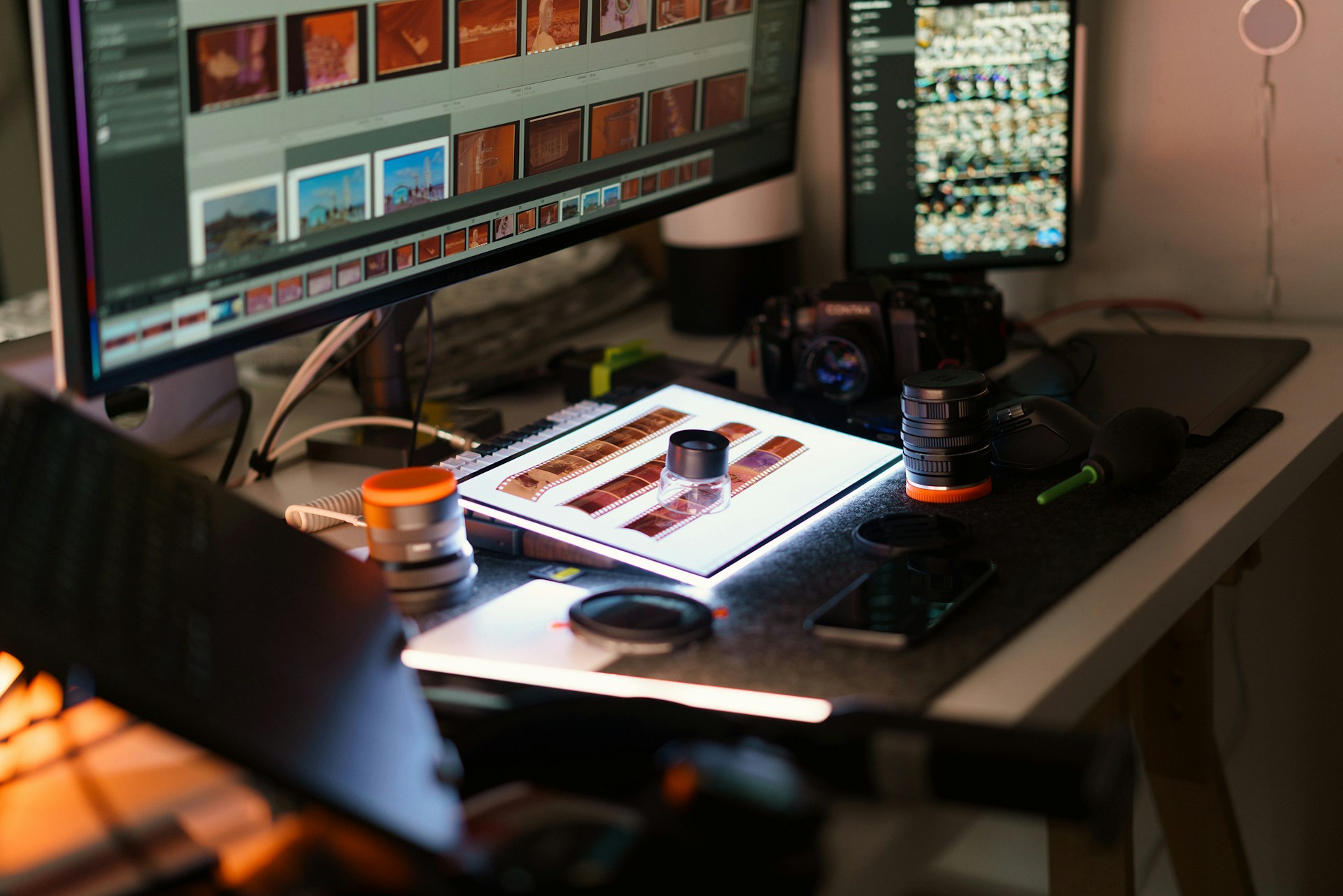
Once the portrait is approved, an ai talking photo workflow lets the editor or photographer upload the still frame, enter the spoken commentary, select a natural voice or uploaded voice recording, and export a captioned clip ready for web embeds or social feeds.
Uploading a clean studio portrait and pairing it with a concise commentary script inside Leadde.ai.
To keep the spoken note engaging from the first second, write the script like an intimate gallery walk-through rather than a press release:
- Seconds 0 to 6 (The visual hook): Name the specific detail the viewer is about to see. For example: “Every portrait in this winter series was shot on medium format film in the twenty minutes before sunrise.”
- Seconds 6 to 20 (The craft choice): Share one concrete decision behind the work, such as why you used a single tungsten lamp or how you collaborated with the sitters on wardrobe.
- Seconds 20 to 30 (The invitation): Tell the viewer how to explore the rest of the spread or where to view the full-resolution plates.
Keep total word count between 65 and 80 words. Reading the lines aloud with a stopwatch before rendering ensures the voice pacing leaves room for natural pauses between sentences.
Testing the script aloud on a desk microphone helps editors cut stiff phrasing before generating the final talking portrait.
Rights, consent, and audience transparency
Creative communities care deeply about authorship and likeness rights. Before publishing any animated portrait on a magazine site or studio page, confirm three non-negotiable standards:
- Written likeness and copyright permission: Only animate self-portraits, commissioned team portraits, or contributor photos where the subject and the photographer have explicitly approved animated spoken use.
- Authentic attribution: Never put words into a featured artist’s mouth that they did not write or approve. If a magazine editor summarizes an interview, use the editor’s own presenter avatar or state clearly that the audio is an editorial summary.
- Clear captioning and labeling: Include burned-in or toggleable subtitles for mobile readers browsing with sound off, and add a brief note in the caption indicating that the spoken introduction was generated from a studio portrait.