







Have you ever come home after working all day feeling utterly exhausted with no apparent reason why? The chair looked okay. Nothing seemed extreme. But now the shoulders hurt, eyes are burning and the past two hours of work went straight down the drain.
That’s not laziness. That’s a room quietly working against the person sitting in it. A home studio is not just a desk shoved against a wall. It’s an ecosystem. Screens at proper height. Lighting that doesn’t cast shadows on screens. Sound proofing. Chairs that support you. Lenses right in front of your eyes. Every little detail either shields focus or saps it away.
The good news?
Most of it can be fixed in a weekend.
What you’ll uncover:
- The vision problem most people misdiagnose
- Why home setups quietly wreck posture
- Desk, chair and monitor rules that actually matter
- Lighting and sound choices that protect focus
- How to keep the setup working long term
Start With The Eyes, Not The Furniture
This is the part almost everyone skips.
Gradually developing headaches. Skipping lines when reading. Persistent neck tightness. An inexplicable twitch to shut one eye when focusing for long periods. You blame those things on slouching or “too much screen time”… and you’d be wrong sometimes.
A misalignment of the eyes requires your brain to constantly make adjustments to keep the two separate images aligned into one. Known as binocular vision dysfunction, it’s like ergonomics gone horribly wrong. That’s why booking NeuroVisual Medicine’s Binocular Vision Dysfunction Assessment before dropping thousands of dollars on chairs may actually be considered genius. Treatment with microprism lenses can be recommended to help ease what each eye is projecting to the brain, allowing the continuous battle your muscles are quietly correcting every day to subside.
Here’s the interesting part…
Those who have received treatment with microprism lenses report often that neck and shoulder stiffness also decreases because they no longer need to turn their head to see.
Neither a fantastic chair will cure your vision. Nor will microprism lens treatment adjust your monitor sitting 15cm too low. Both are important.
Posture Debt Builds Quietly
Remote work didn’t simply relocate the office. It eliminated every serendipitous pause hardwired into it—the stroll to a conference room, the walk to the printer, the line at the cafe.
Figures speak volumes. According to research conducted in the UK, 81% of office workers experienced pain to their back, neck or shoulders when working from home, with almost one quarter of respondents saying it was near-constant.
Screens didn’t help either. Remote employees average 13 hours of screen time per day. YIKES. Sitting in one position staring at one focal distance that long will take a toll.
Posture damage never announces itself. It accumulates.
Desk And Chair: The Non-Negotiables
Furniture is the first place your budget should go. Everything else in the room piles on top of that.
A workable chair needs:
- Adjustable seat height so both feet sit flat on the floor
- Real lumbar support that meets the lower back
- Armrests that let the shoulders drop, not shrug
- Seat depth leaving roughly two fingers behind the knees
Desk height is important too. Forearms want to be about parallel with the floor, elbows bent at about 90 degrees. If your desk is too high your shoulders will creep up all day. Too low and you’ll bend your wrists into positions they weren’t designed to hold for 8 hours.
Standing desks are good, but only if you actually use them correctly. Slaving away all day standing isn’t any healthier than sitting all day. Switching back and forth is the whole idea – about 30 minutes sitting then a few minutes standing is better than some elaborate routine that few people follow.
Monitor Placement Changes Everything
This one costs nothing and fixes more than any gadget on the market.
Ideally, the top third of your screen should be at eye level, one arm’s length away from you. A monitor too low pulls your head forward, and every inch of forward-head posture crams tons of stress into your neck. That’s the reason why working on a laptop only is pure torture – the screen and keyboard cannot be at ideal positions simultaneously.
The fix is cheap:
- Put the laptop on a stand (or a stack of books)
- Add an external keyboard and mouse
- Tilt the screen slightly upward to cut glare
- Keep the monitor side-on to windows, never facing or backing them
Lighting: The Silent Focus Killer
Bad lighting does damage nobody notices until the headache arrives.
A bright screen in a dark room makes your eyes flicker constantly from one extreme to another. If a window is directly behind your monitor, you have the same problem in reverse. Either way, your eyes lose.
Aim for layers:
- Soft ambient light filling the whole room
- A task lamp aimed at the desk surface, not the screen
- Screen brightness matched to the wall behind i
- Warmer light through the late afternoon and evenin
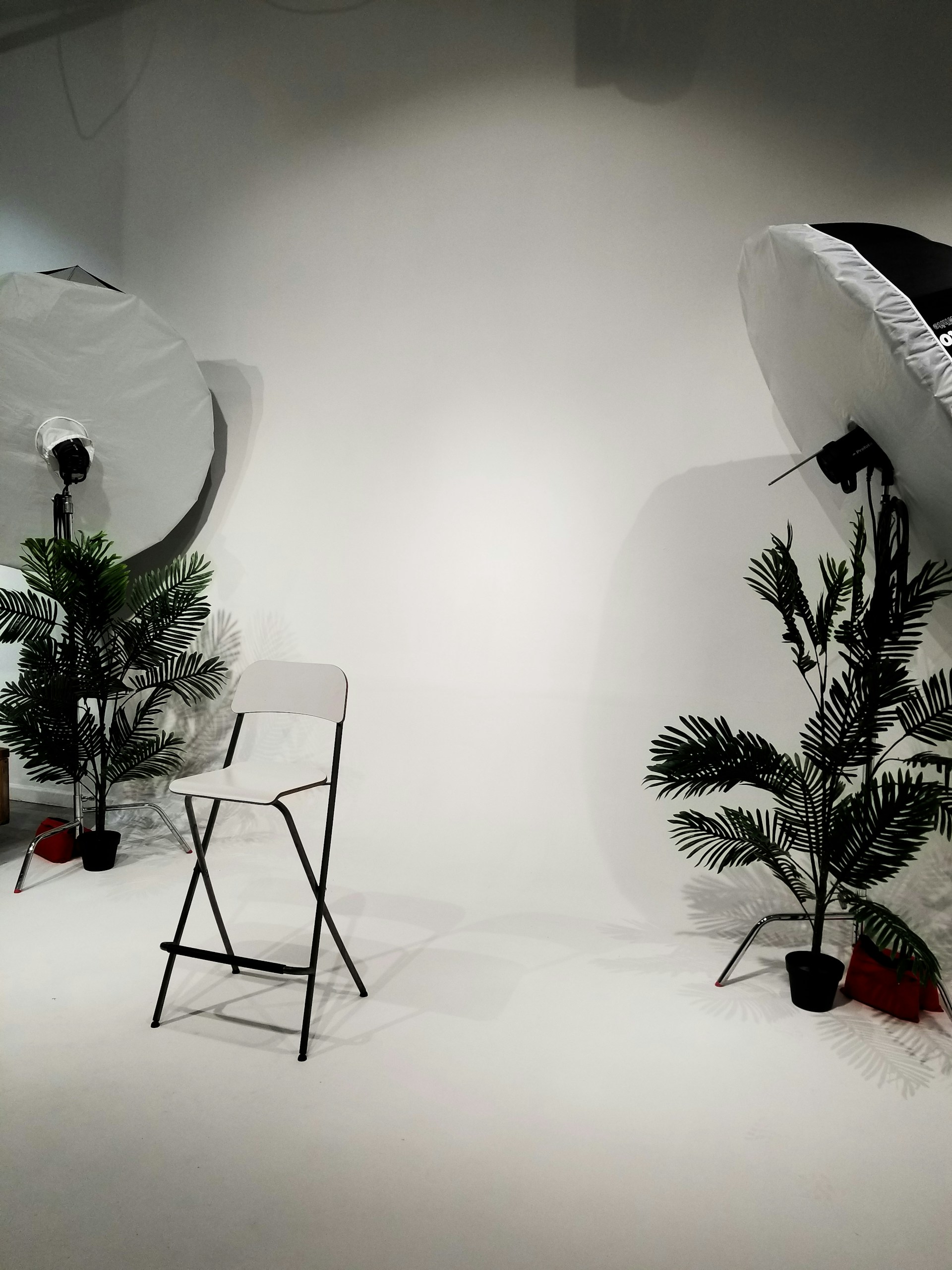
Daylight, wherever possible, is always best. But it must be controlled. A pair of blinds or sheer curtain will give you more daily comfort than any pricey lamp.
Sound And Space Protect Deep Work
Attention is easily broken. Every distraction takes much more time than the distraction itself because you have to rebuild focus for several minutes after getting distracted.
Hard surfaces reflect sound and create an abrasive and fatiguing environment. Carpets, drapes, bookcases and cushioned furniture absorb that reverberation – and can also improve the quality of calls and recordings by leaps and bounds
Then there’s the psychological side of it.
A dedicated workspace conditions your mind to turn on when you enter the room. Even designating an area with a screen or curtain works in a small space.
Keeping The Setup Working
A studio isn’t a one-time build. It drifts.
Desks sink. Chair backs sag. Monitor arms loosen. Cables stretch until you can’t spread out your papers. Every few months it’s good practice to take a seat and review the fundamentals:
- Feet flat, knees near 90 degrees
- Screen top level with the eyes
- Shoulders relaxed and wrists straight
- No glare bouncing off the display
- Something 20 feet away to look at during eye break
Movement is half the battle. Use a timer and get up and walk into another room or out of a window. Do something else for two minutes every half hour instead of one long break at lunch.
Locking It All In
An ergonomic home studio that maintains your focus, posture and long-term comfort isn’t made from pricey gear. Rather it’s built from several key decisions that compound. Here’s how:
- Rule out vision problems before blaming the furniture
- Buy a chair and desk that adjust to the body
- Raise the screen and let the shoulders drop
- Layer the lighting and kill the glare
- Soften the room and defend the boundary
- Move often, then re-check the setup regularly
Individually, none of these solutions are very effective. But layered together, they transform an energy suck of a room into an energy-giving one.
Either you win big daily or it chips away daily. It’s worth putting together right.