




A creator desk setup doesn’t need to look like a spaceship to work well. You just need a space that helps you think, make, edit, and stay sane while doing it.
If you create videos, photos, music, or social content, your setup should make everyday tasks smoother, not harder. The sweet spot is simple: enough power, enough comfort, and fewer little annoyances. When your space fits the way you work, even boring tasks like file sorting feel a bit less like a gremlin attack.
Start with your flow
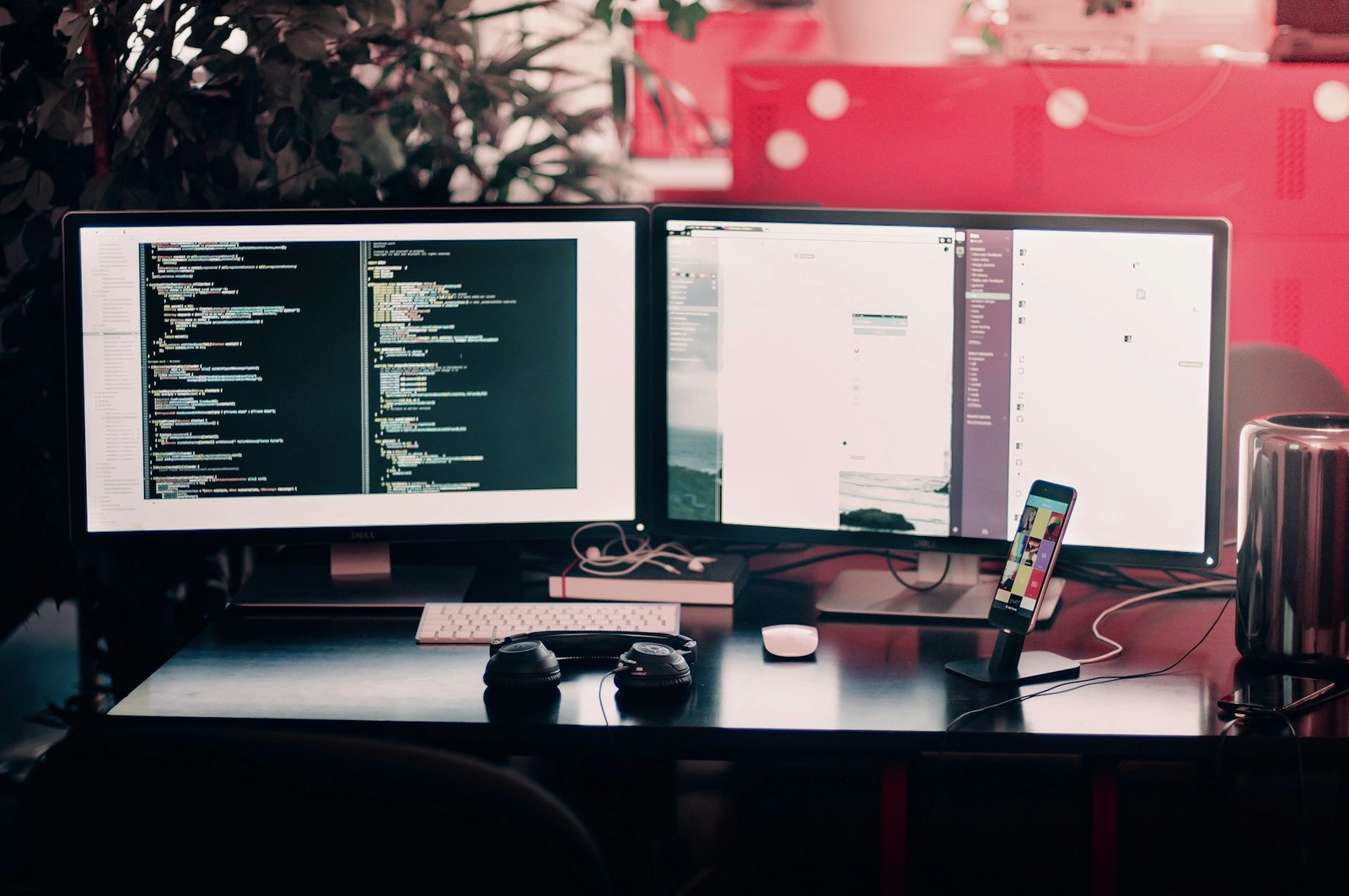
Before you buy anything, take a minute to notice how you actually create. Do you edit long videos, batch social posts, record voiceovers, or bounce between all three like a caffeinated squirrel? Your routine should shape your setup. If you mostly edit, you’ll want a workstation that handles big files without making you stare at loading bars all day.
That’s why many creators look at workstation ideas as Lexar recommends for creators when building a better editing space. The goal is not to buy the fanciest gear on earth. It’s to choose a setup that matches your projects, your pace, and the way you move through a normal week. When your desk supports your workflow, you waste less time fixing problems and spend more time making things you’re proud to share.
Pick the right spot
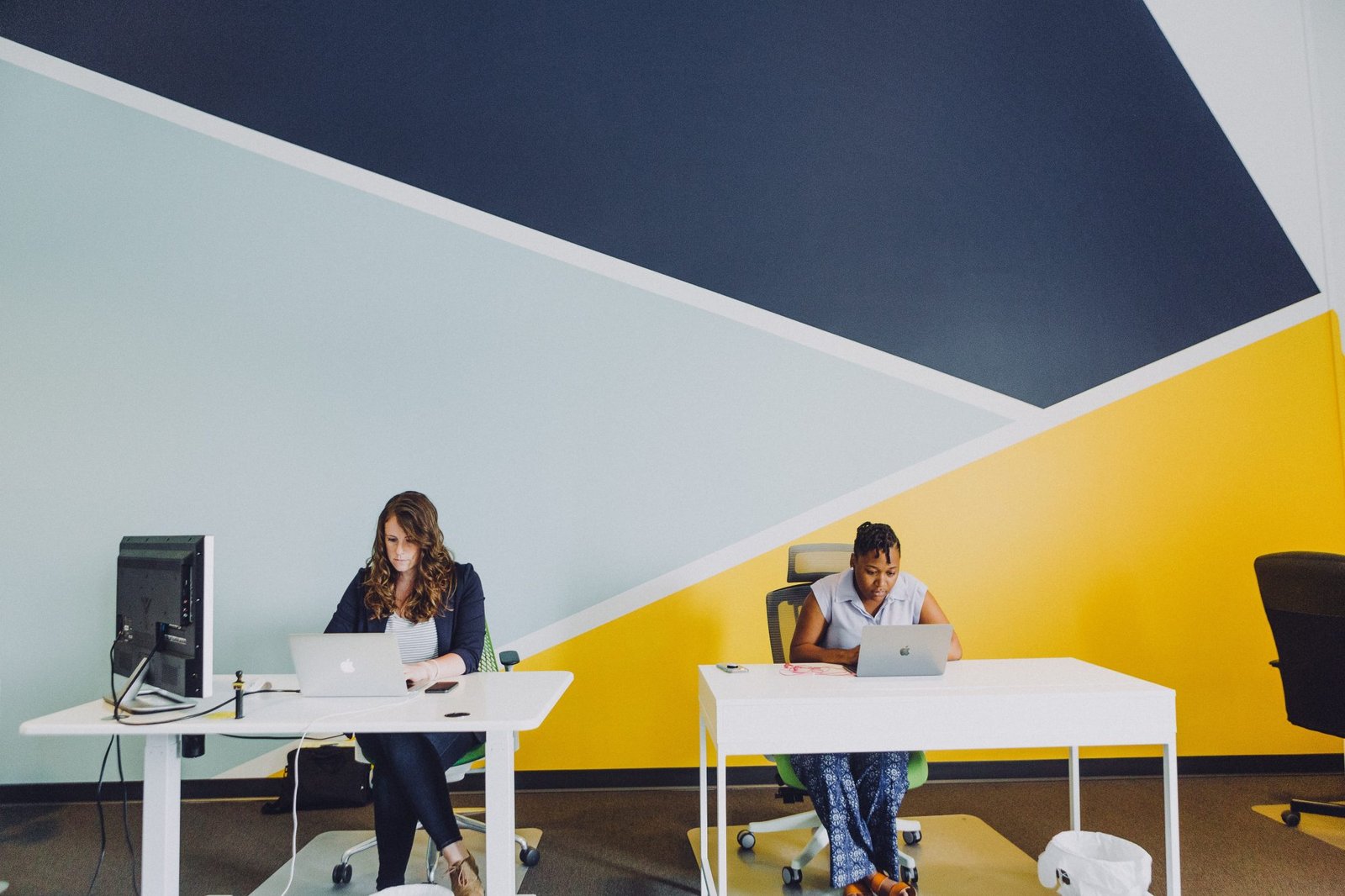
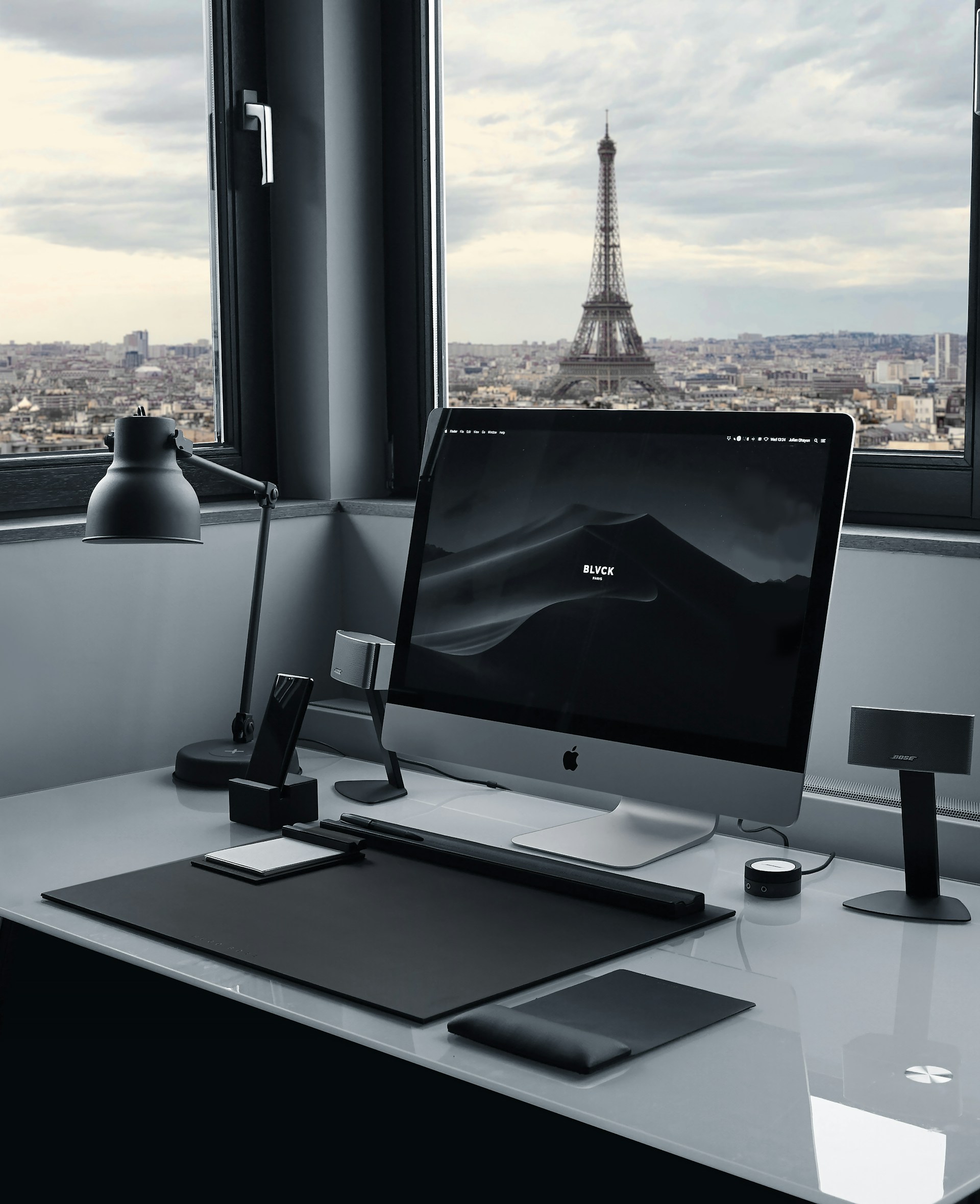
Where you put your desk matters more than people think. A powerful computer in a bad spot can still feel miserable. If your workspace is next to a loud TV, under harsh light, or squeezed into a corner where your chair barely moves, you’ll notice it fast. Try to choose a spot with a little breathing room. Near a window is great if the light is soft and not blasting your screen like a tiny angry sun. If you share your home with roommates, kids, or a very dramatic pet, aim for a place where interruptions are less constant.
Even a bedroom corner can work if it has decent lighting and enough surface space. You don’t need a giant studio. You just need a setup that feels separate from the rest of life. That mental line helps you focus, and it makes starting work feel less like a random accident.
Choose gear that fits
You do not need every trendy gadget. You need gear that supports the type of content you make. If you edit short phone videos, your needs are different from someone working with long 4K footage or layered audio tracks. Start with the basics: a reliable computer, enough storage, a good monitor, and a few useful accessories.
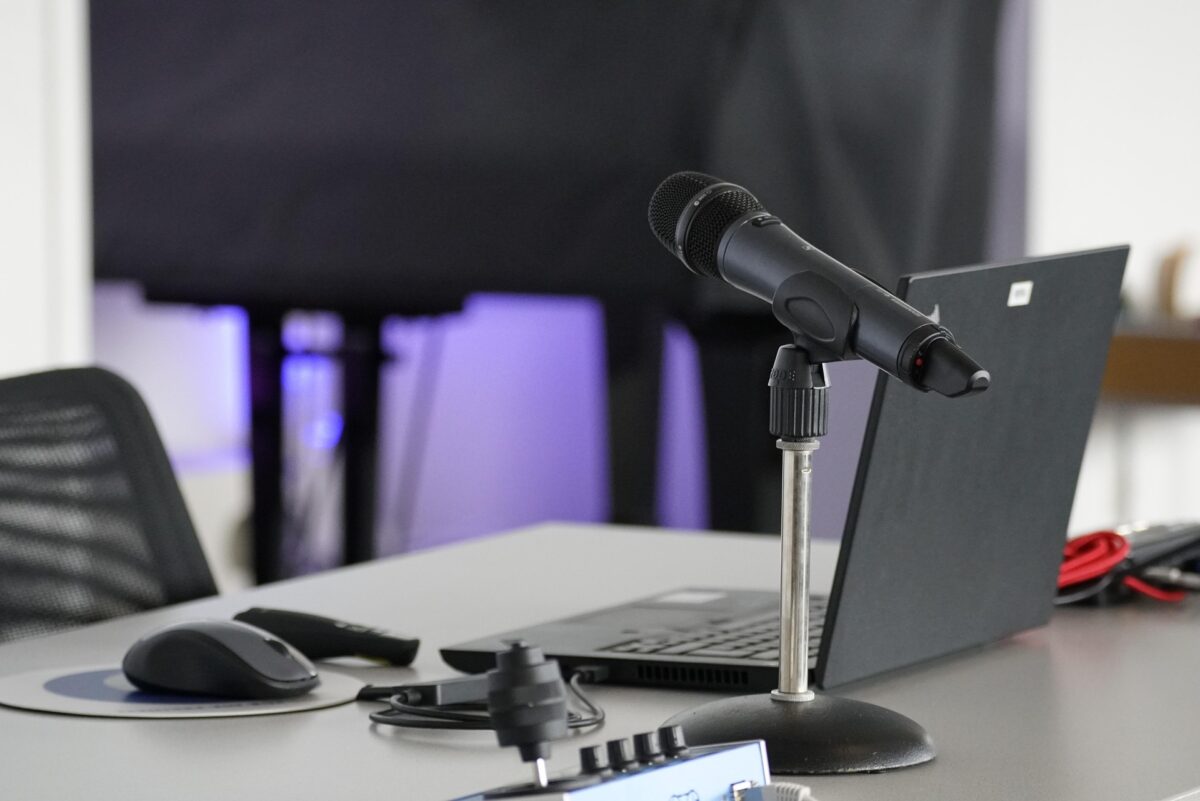
A larger screen can make editing easier because you can see timelines, layers, and previews without squinting. Fast storage also helps, especially if your files are chunky little beasts. External drives can save your sanity when internal storage fills up faster than expected. Then think about add-ons that actually help. Maybe that’s a microphone, card reader, headphones, or a keyboard that feels nice during long sessions. If a tool saves time or cuts frustration, it earns its spot. If it just looks cool online, maybe let it sit this round.
Keep your desk clear
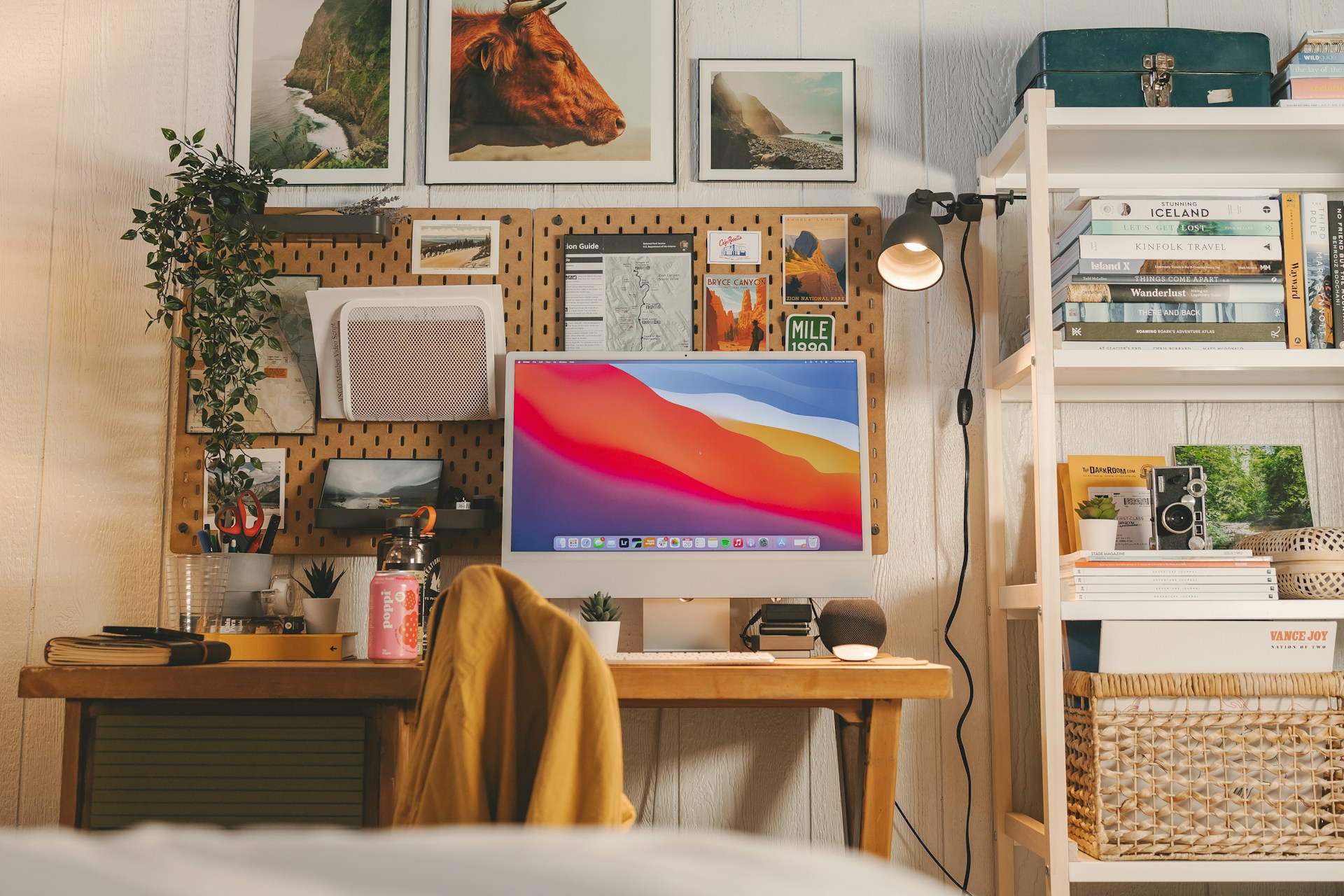
A messy desk can turn a short task into a scavenger hunt. If your charger is buried, your notes are missing, and your cables are doing spaghetti impressions, your brain has to work harder before you even begin. That drains energy you could use for actual creative work. You don’t need a perfect showroom desk. Just keep the surface simple. Leave room for your hands, your screen, and whatever tool you use most. Use a tray, small drawer, or desktop organizer for memory cards, adapters, pens, and other tiny escape artists.
Cable clips or sleeves can help a lot too. Once wires stop dangling everywhere, the whole setup feels calmer. It sounds small, but little fixes add up. A clean desk is easier to sit down to, easier to clean, and easier to leave without feeling like your setup is plotting against you.
Light your space well
Lighting affects both your content and your comfort. If your space is too dark, editing can feel tiring fast. If it’s too bright or uneven, your screen can be hard to read and your recordings may look strange. Good lighting is less about fancy gear and more about balance.
Natural light is great when it’s soft and steady. If your window turns your face into a ghost at noon, add a curtain or move your desk angle a bit. For evening work, a warm desk lamp and one softer background light can make the room feel easier on your eyes. Try not to place bright light directly behind your screen or directly behind you during calls or recordings. That can create glare or weird shadows. A little testing goes a long way. Shift a lamp, check your camera, and see what feels easiest to work with.
Make it comfy
If your body is unhappy, your creativity usually follows. You don’t need an expensive ergonomic throne, but you do need a chair that supports you and a desk height that doesn’t make your shoulders creep up toward your ears. Long editing sessions are sneaky. Discomfort can build slowly until your neck starts writing complaint letters.
Keep your screen around eye level if you can. Your keyboard and mouse should feel easy to reach without stretching. If your feet dangle, use a footrest or even a sturdy box. Simple fixes count.
Comfort also includes the little things: a fan if the room runs hot, headphones that don’t pinch, and enough space to shift positions. You’re more likely to stick with your work when your setup isn’t treating your back like a punching bag.
Plan for real life
The best creator setup is the one you’ll actually use every day. Not the dream setup with twelve screens and studio lights the size of moons. Real life includes budgets, limited space, changing routines, and days when you’re editing at your kitchen desk with coffee gone cold. Build in layers. Start with what solves the biggest problems first. Maybe that’s faster storage, better lighting, or a chair upgrade. Then improve things over time. A smart setup grows with you.
It also helps to remember that your space should support your habits, not pressure you to perform like a machine. If your desk feels welcoming, practical, and easy to maintain, you’ll use it more often. And that’s the whole point. A creator-friendly setup should help your ideas move faster from your head to the screen, with fewer headaches in between.