


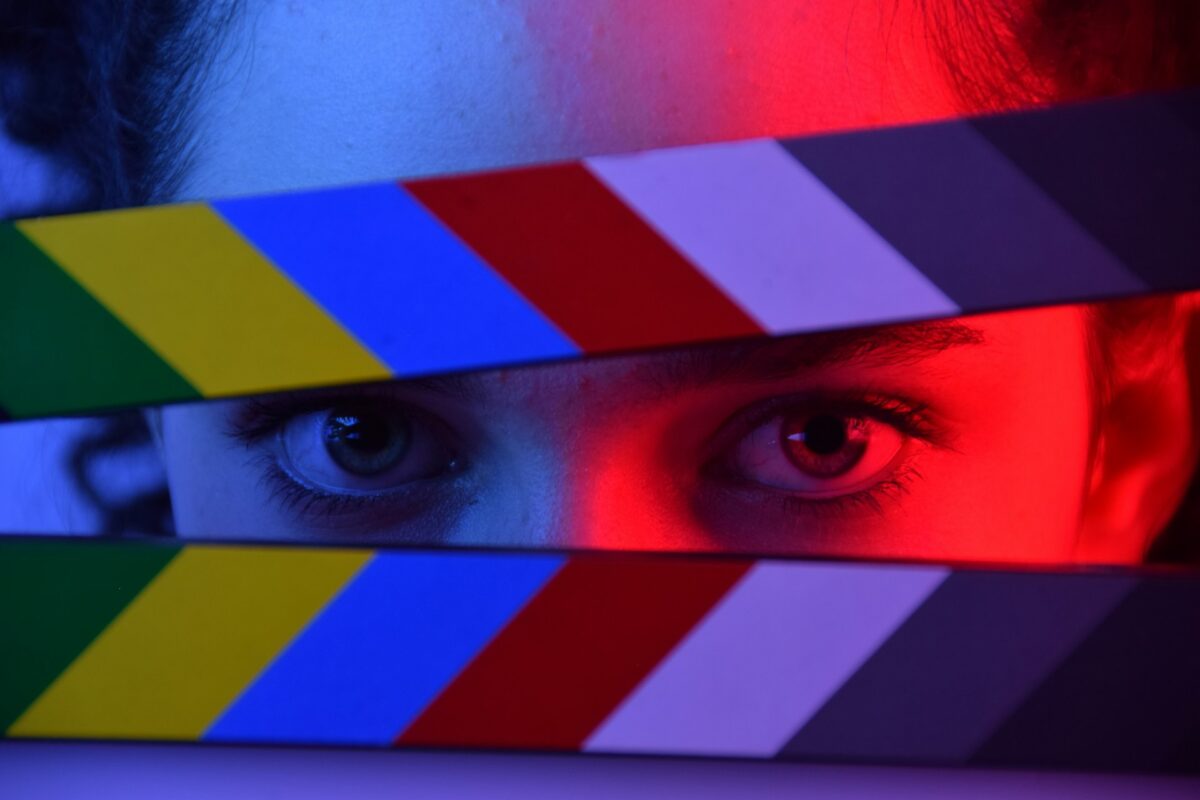

Cinematic effects can make ordinary footage feel larger, moodier or more story-driven, but they can also expose every weakness in the source. Rain that ignores the light, sparks that cover a face and a background that shifts around the subject quickly break the illusion. This guide explains how to prepare real footage, write a focused VFX prompt and review the result so the effect supports the shot instead of replacing its visual logic.
What Real Footage Works Best for AI Video VFX?
The best source has a clear subject, readable motion, stable exposure and enough separation between foreground and background. AI effects work more reliably when the original shot already establishes believable space and light.
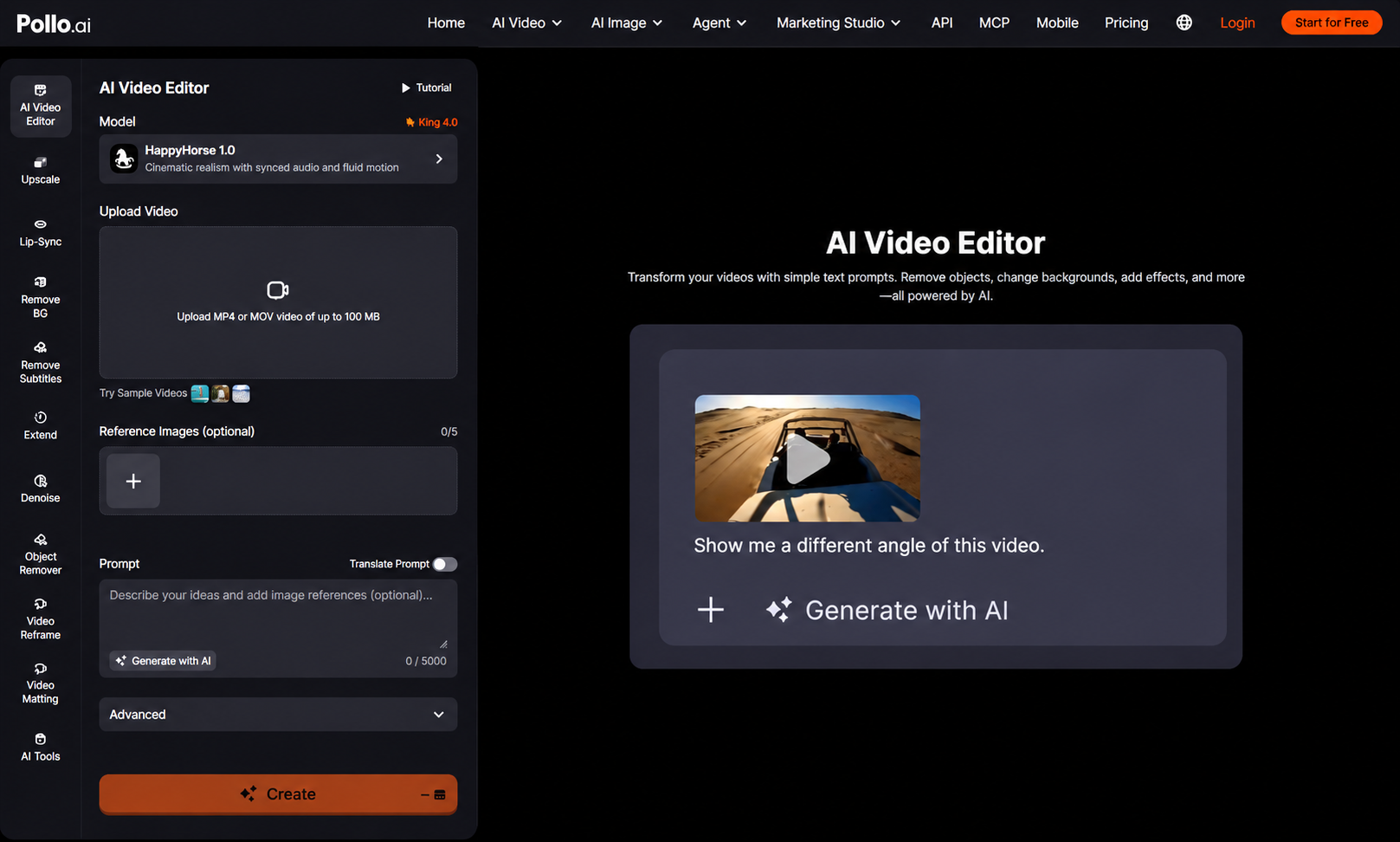
Creators can add cinematic effects with AI video editing by uploading a clip and describing the desired change, such as rain, sparks, a night atmosphere, film grain or a new background. Pollo AI also lists controls for modifying subject appearance and camera angles. Start with a five-to-ten-second shot whose action is already correct. Strong effects should enhance an existing beat, not hide an unclear performance or repair missing story information.
How Do You Add Cinematic VFX with an AI Video Editor?
Plan the effect around the source light and motion, then add one controlled change before combining treatments. Use this seven-step workflow.
- Define the story purpose. Decide what the effect should communicate: danger, scale, weather, memory or a shift in time. Remove any treatment that does not support that purpose.
- Inspect the source frame by frame. Look for motion blur, overlapping subjects, reflective surfaces and thin details that may become unstable when the frame is rebuilt.
- Decide whether the shot should be edited or replaced. If the footage contains the correct action, keep it and add the effect. If the action, setting and camera design all need to change, create a new cinematic shot with Pollo Cinema instead of forcing a local editor to invent an entirely different scene around the original performance.
- Describe one effect precisely. Name its location, intensity, direction and timing. ‘Light rain behind the actor, moving from left to right’ is easier to review than ‘make it epic.’
- Protect the subject and light source. State that the face, hands, clothing, product and camera framing must remain unchanged. Describe where the practical light comes from so highlights and shadows stay believable.
- Review motion, edges and contact points. Watch hair, fingers, product edges, feet and areas where particles pass in front of the subject. Reject flicker or geometry changes even when the effect looks impressive in a still frame.
- Finish sound and text separately. Add effect audio, dialogue, captions and legal text in a controlled finishing step where timing and spelling remain editable.
Which Cinematic VFX Are Practical for Existing Footage?
Atmosphere and local effects are generally safer than transformations that require the entire scene geometry to change. The source still determines what is believable.
| VFX request | Best source condition | Main review risk |
| Rain, snow or haze | Clear subject and stable light | Particles cross faces or flicker |
| Sparks or energy | Simple background and defined location | Effect hides the action |
| Day-to-night mood | Consistent exposure and visible light sources | Shadows and reflections do not match |
| Background replacement | Strong subject separation | Edges, scale and perspective drift |
| New camera view | Static or simple motion | Invented space warps critical details |
Why Do AI-Generated VFX Sometimes Look Fake?
AI VFX looks fake when the effect ignores the physical rules already established by the footage. The most common failures involve light, depth, timing and interaction.
Rain should catch the scene light and move through depth rather than appearing as a flat overlay. Sparks need a visible origin and should briefly affect nearby surfaces. A new night grade should alter reflections and background exposure, not only darken the frame. Effects also need a beginning and end that fits the shot. Review at full speed for rhythm, then in slow motion for edge instability and sudden changes in scale.
What Should You Avoid in an AI VFX Prompt?
Avoid stacking several unrelated effects, vague cinematic language and instructions that conflict with the source camera or lighting. One controlled effect produces a clearer test.
Do not request rain, fire, a new wardrobe, a wider angle and a different location in the same first prompt. Avoid asking for blockbuster quality without describing what should actually appear. Protect only the details that matter most; a long list of contradictory restrictions may reduce clarity. Keep a clean copy of the original footage and save each accepted prompt beside its output. This makes it possible to compare versions without confusing an experimental effect with the approved shot. If two careful attempts cannot preserve the subject, use a cleaner source or create a new shot.

Ready to Add Cinematic VFX with Pollo AI?
Choose one short clip and one effect that strengthens an existing story beat. Upload the footage to Pollo AI Video Editor, describe the effect’s location and intensity, and protect the subject and framing. Compare the result with the original at normal speed and frame by frame. Once the first effect holds together, add sound and final text without rebuilding the approved visual.